As a popular office software, DingTalk contains many functions. Many friends don’t know how to create a corporate team when using it? The following will bring you solutions for creating a corporate team. I hope it will be helpful to you!

1. Open the [Message] page of [DingTalk] APP and click the [Avatar] button in the upper left corner.

2. In the expanded drop-down list, click the [Create/Join Team Now] button.

3. Then click the [Create Team] button.

4. Enter your company, select the industry, staff size, position and region, and then click the [Create] button.

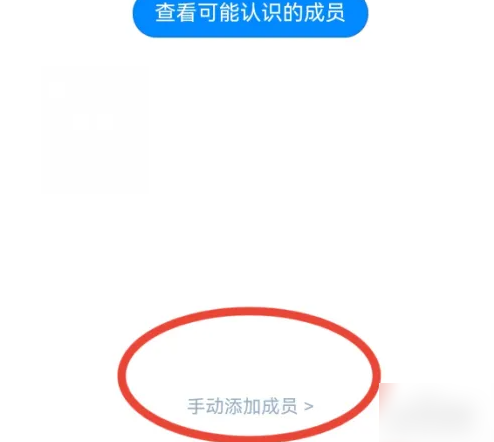
5. Open the [Add Layoff] page, click the [Manually Add Members] button at the bottom, select the members, and click the [Finish] button in the upper right corner to create successfully.