
Today I bring you an introduction to the friend system of "Dragon Part 2". Young heroes can click [Avatar] - [Add Friend] of the knight they want to add to send friend requests to online knights. At the same time, you can also click the [Friends] icon to enter the friend interface. In the [My Friends] interface, Shaoxia can perform operations such as [Group]/[Move Group]/[Delete Friends] on his friends.

Young heroes can click [Avatar] - [Add Friend] of the knight they want to add to send friend requests to online knights.

At the same time, you can also click the [Friends] icon to enter the friend interface.
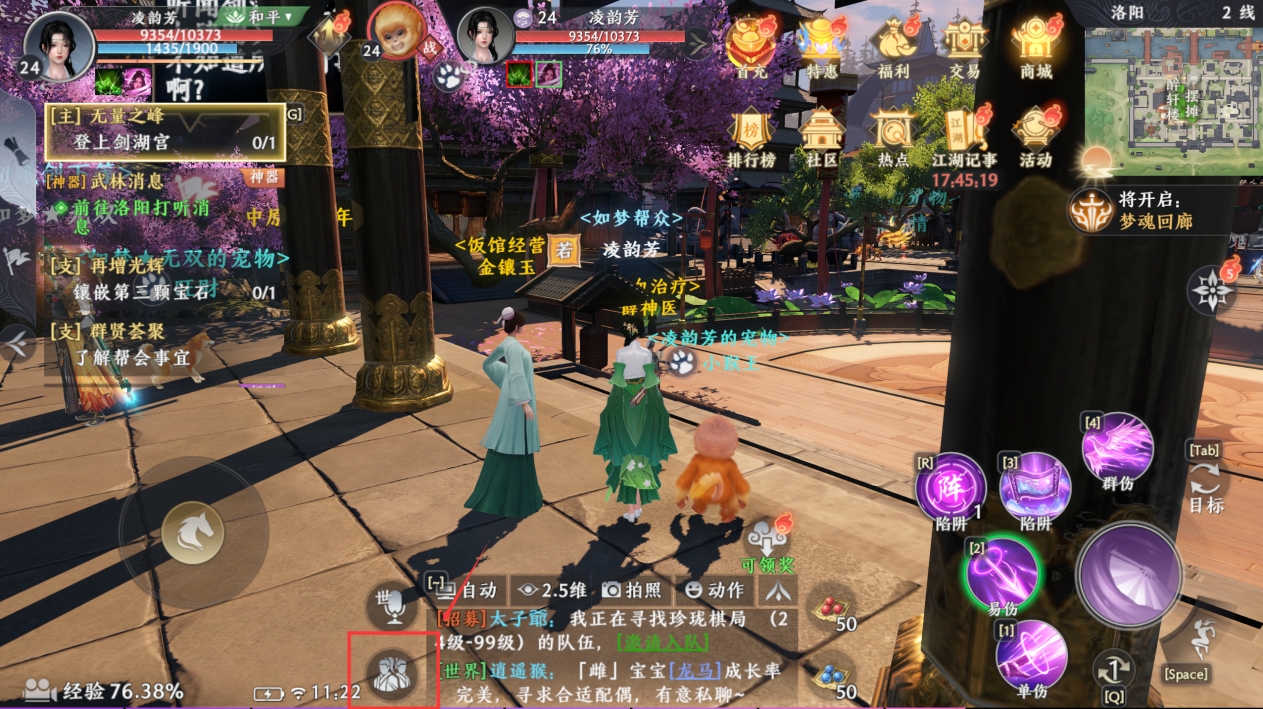
In the recent contacts and recent team interfaces, you can view the knights you have been in contact with recently. You can click [Add Friend] to apply to other knights. Once the other knights pass, you can become friends.

If a knight becomes friends with the young knight, or sends a message to the young knight, a prompt will appear on the friend icon.

After Shaoxia clicks, the friend interface will pop up and detailed information will be displayed.

You can click [Enter Chat Information] to send expressions, information, items, locations, etc. to your friends, or you can click the [Microphone] icon to send voice messages.

At the same time, the young hero can also click [Avatar]-[Delete Friend] to sever friendships with other knights and forget each other in the world.

In the [My Friends] interface, Shaoxia can perform operations such as [Group]/[Move Group]/[Delete Friends] on his friends.

To get to know more knights, in addition to clicking on the avatar to add, you can also click [Add Friend] to view other knights' [Friend Application] or [Search] for other knights. You can also directly use [Friend Recommendation] to quickly get to know more knights. .

In the [Application] interface, you can set whether to accept other knights’ friend applications for Shaoxia.

The world is so big, take the initiative to meet new friends!