
After the youth mode is turned on, the software will limit the user's browsing time and content. So how to turn on the youth mode? What I will bring to you next is the tutorial on turning on youth mode on the far right. I hope it can help you.

1. Open the rightmost window and click the [My] option below.

2. Then click the [Youth Mode] option inside.

3. Then click the [Turn on Teen Mode] button inside.

4. Then enter the password inside. Just think of a password that you can remember and is not too simple.

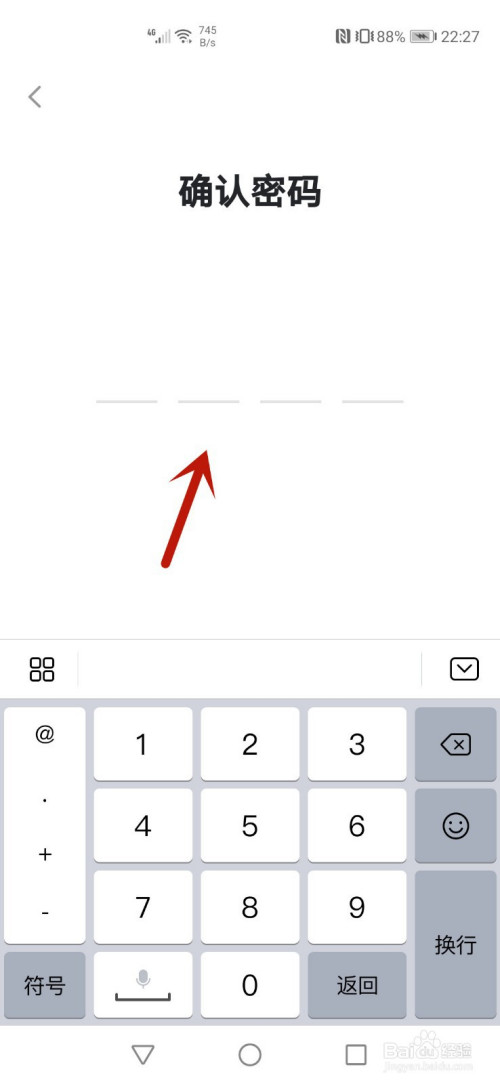
5. Then enter the confirmation password again and confirm it like the previous password.
6. Finally, you can turn on the youth mode.