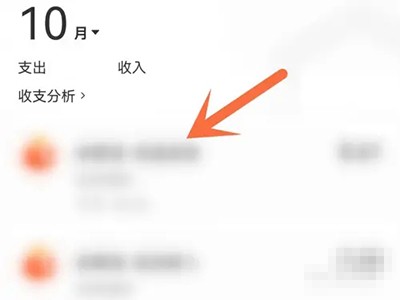
How to delete the balance change details of "Alipay"? Some friends may not know how to delete it yet. Next, I will bring you detailed operation methods. Let’s take a look together.

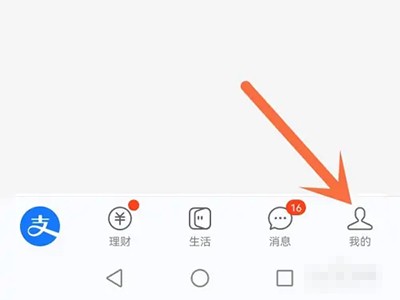
1. Open the Alipay homepage and click [My] in the lower right corner.
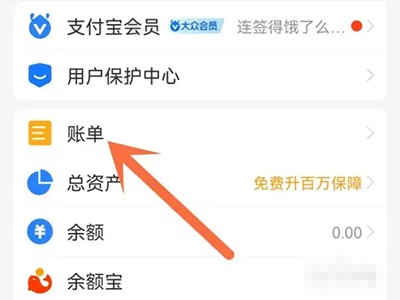
2. Go to my page and click [Bill].
3. Jump to the bill and long press the balance change details.
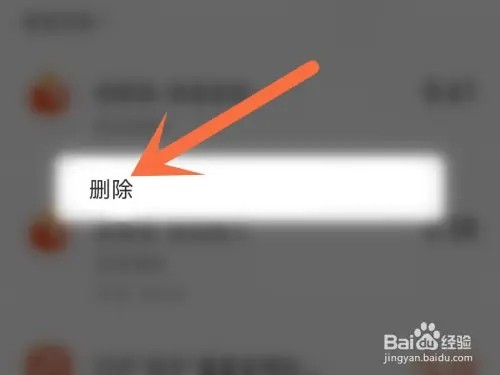
4. In the pop-up option box, click [Delete] directly.