
Many friends have bound their mobile phone numbers when using the NetEase Dashen APP, but later they want to unbind the previous phone number and change and bind a new mobile phone number, but they don’t know how to do it. Here, Meow Meow Jiang brings you a detailed tutorial on how to change your mobile phone number. Friends in need can come and take a look.

How does a NetEase master change his mobile phone number?
1. Start and log in to the NetEase Dashen APP and enter [Me] - [Account Treasure Box].

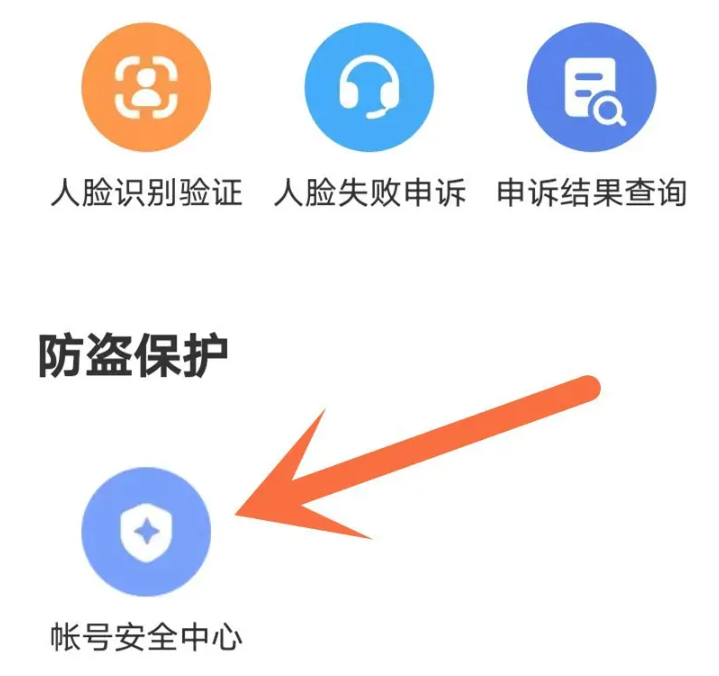
2. Jump to the page and select [Account Security Center] under [Anti-theft Protection].
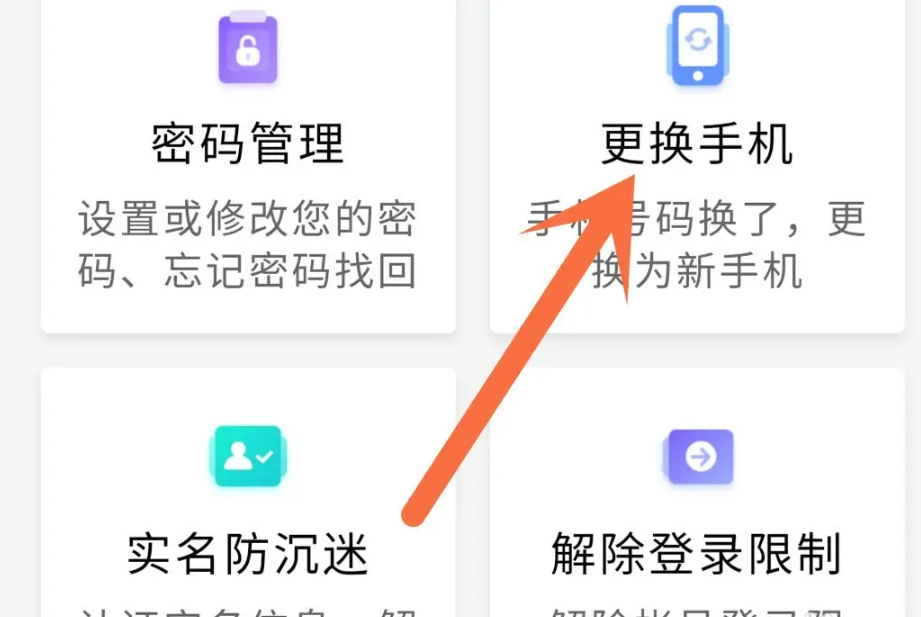
3. Select [Change phone].
4. Enter the new mobile phone as required to replace it.
