
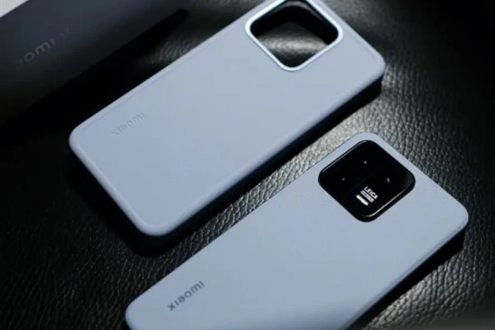
On Android phones, we can turn on the real-time network speed display function, so that we can know the current network status at any time and conveniently know the current network speed. Then let’s introduce how to turn on the real-time network speed of Xiaomi mobile phones. Let’s do it together. Take a look.
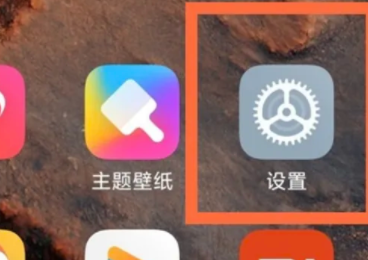
1. Open settings.
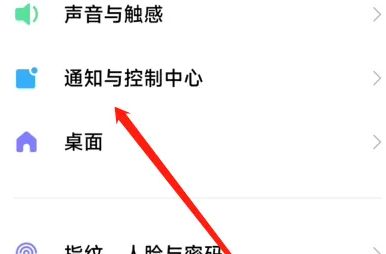
Step 2: Click on Notification and Control Center.
Step 3: Click on the status bar.
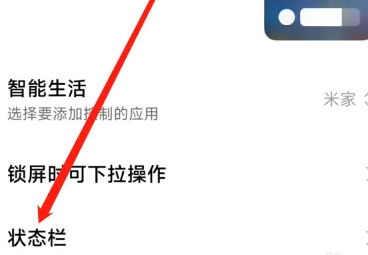
Step 4: Turn on the function of displaying real-time network speed.
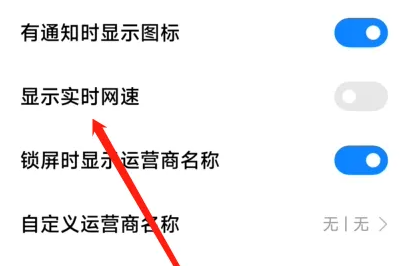
The above is the method to open the real-time network speed display of Xiaomi 13 brought to you today. More software tutorials are available on this site.