
How to cancel the account of Happy Book Guest? Let’s take a look at the method of canceling the account of Happy Book Guest .
First click on the "Happy Bookkeeper" icon installed on the mobile phone desktop

Click the "My" option pointed by the arrow in the interface
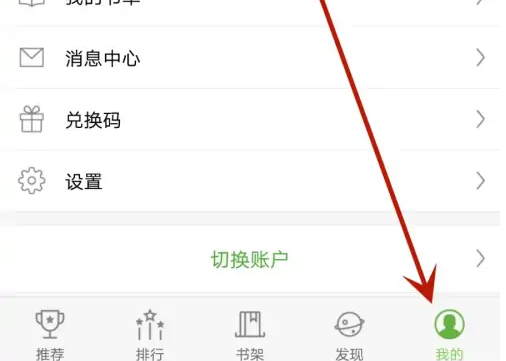
Click on the "Settings" option pointed to by the arrow

Click the "Cancel Account" option pointed by the arrow
