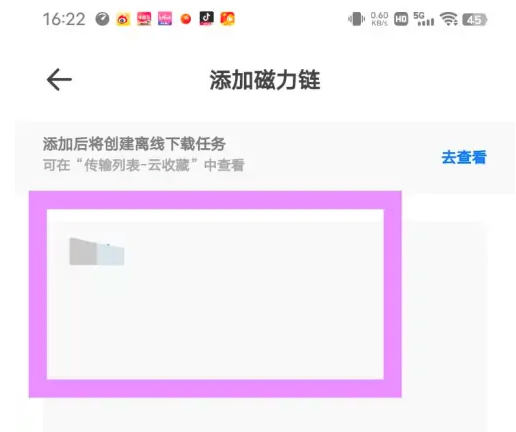
Tutorial on how to use magnetic Quark Cloud Disk to add a magnetic link to Quark Cloud Disk . Friends who are interested can take a look.
Enter After entering the homepage of Quark Browser, click [Quark Network Disk];

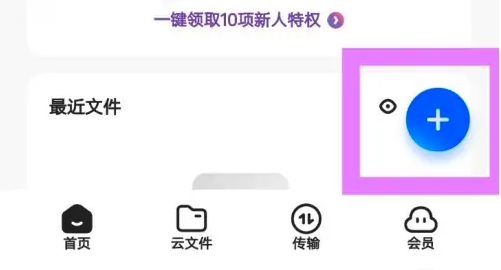
Then click the plus icon in the lower right corner;
Then click [Add Magnet Link];

After the magnet link is added successfully, click [Add to Network Disk].