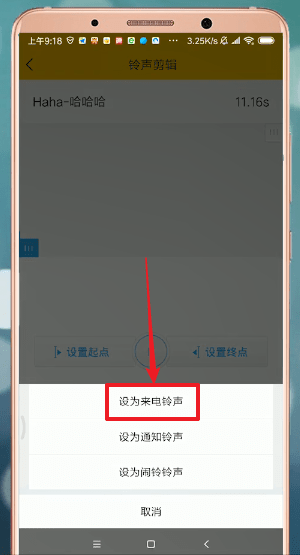
How to set the ringtone of Apple mobile phone with Kuwo Music? Let’s take a look at the steps to set the ringtone of mobile phone with Kuwo Music .
1. First open Kuwo Music and download the song you want to set as ringtone;
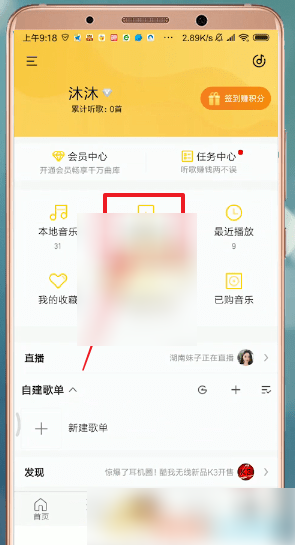
2. After the song download is completed, click [My] and select [My Download];
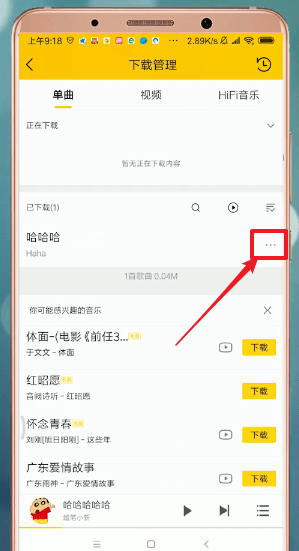
3. Click the [three dots] on the right side of the song;
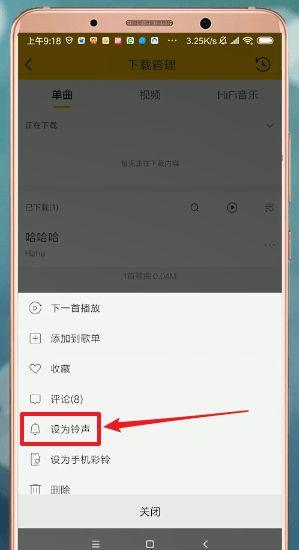
4. Select [Set as ringtone];
5. Click [Settings];
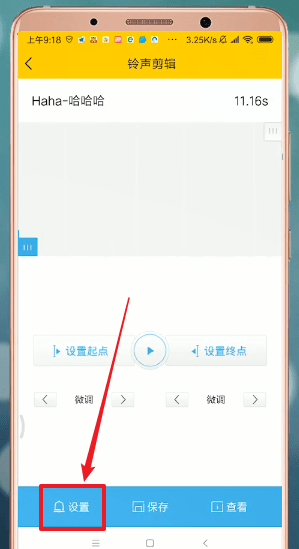
6. Select [Set as ringtone].