
Let’s take a look at the tutorial on how to delete Tencent Pioneer Cloud Game and how to delete the cache of Tencent Pioneer .
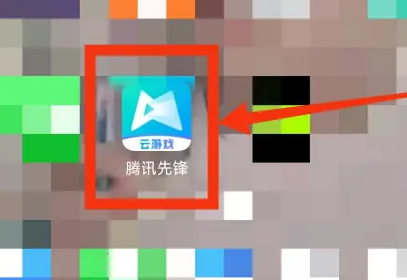
1. First, we open "Tencent Pioneer".
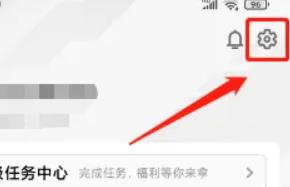
2. Then click “Settings”.
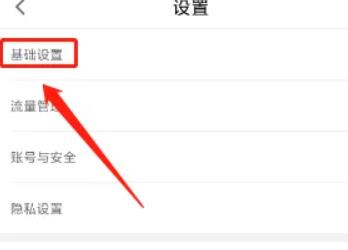
3. Then click "Basic Settings".
4. Finally, click "Clear Cache".
