How to remove the mini-games in 233 Paradise. Here is an introduction to how to delete my games in 233 Paradise . Friends who are interested should not miss it.
1. First open 233 Paradise, and then find [Me] at the bottom of the software page.

2. After opening it, enter the settings and click [Game Collection].

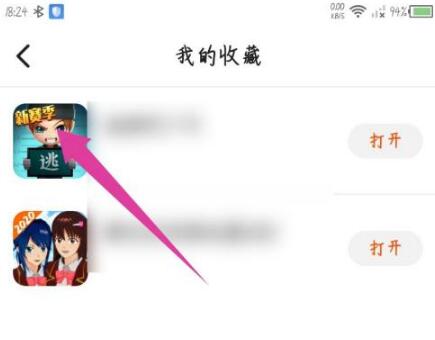
3. In My Collection, click the icon of the game you want to delete.
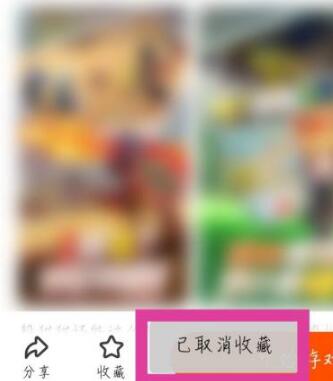
4. Go to the game’s details page and click the favorited icon at the bottom.

5. Then [Collection Cancelled] will be displayed, and the collected game will be deleted.