
How does Biquge block ads ? The editor below will introduce how to block ads in Biquge. I hope it will be helpful to you.
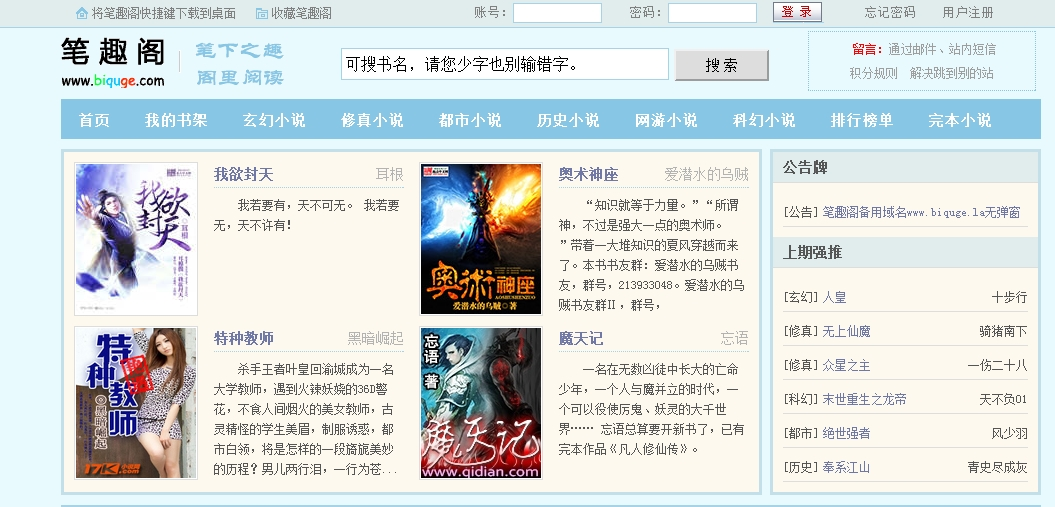
1. First open Biquge and select "My".
2. Then select “System Settings”.
3. Finally, turn off "Personalized Advertising Recommendations" and restart the software to block ads.
The above is the entire content of how to block ads in Biquge compiled by the editor. If you want to know more mobile game strategies or software tutorials, you can follow this site, which will update some valuable content in real time every day. Hope you all like it.