EV screen recording is a powerful desktop screen recording software that supports video recording and live broadcast functions, and has various recording methods such as full-screen recording and selected recording. The following is a tutorial on how to activate the floating ball during EV screen recording . If you need it, please come and take a look.

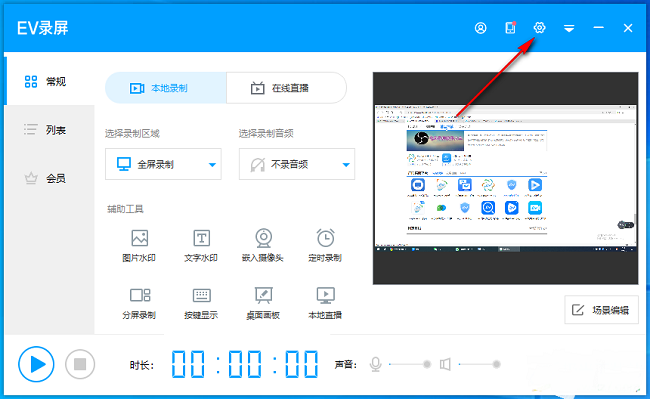
1. Double-click to open the software and click the gear icon in the upper right corner.
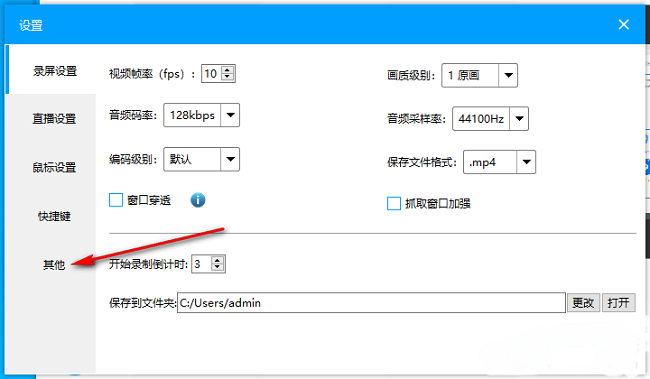
2. In the window interface that opens, click the "Others" option in the left column.
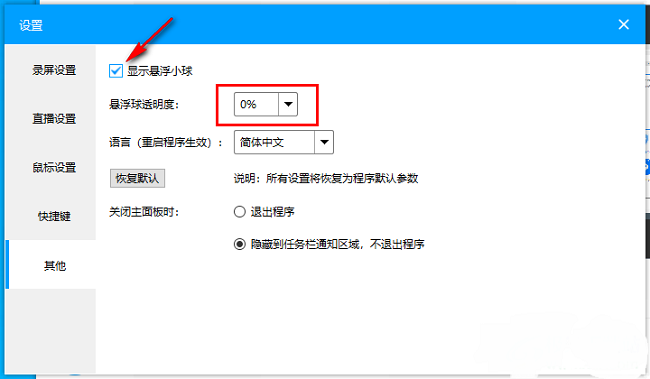
3. Then find "Show suspended ball" on the right and check the small box. Finally, you can also set the transparency of the suspended ball.