The iPhone 15 mobile phone has rich and diverse functions, and it is quite convenient and easy to use. It supports users to adjust the recording sound quality. Many friends do not know how to do it, so you can follow the editor to learn from the source code network.
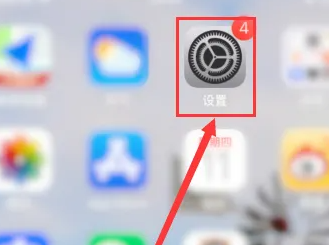
1. First we click “ Settings ”.
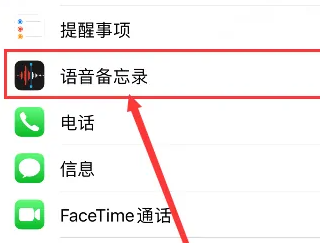
2. Then click “ Voice Memo ”.
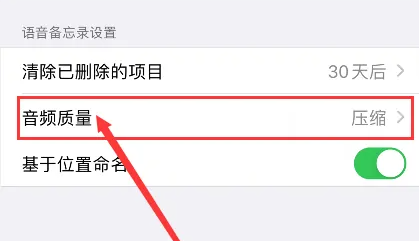
3. Then click " Audio Quality ".
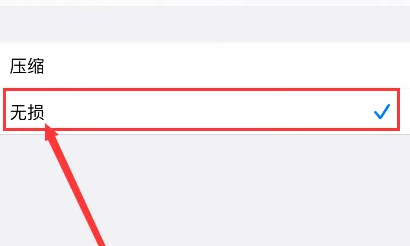
4. Finally, just select " lossless ".