The iPhone 15 mobile phone allows everyone to freely set the black screen time of the phone to prevent the screen from being turned on for a long time or others to view the contents of the phone. The following is the specific setting method provided by the editor of Source Code Network. I believe it will be helpful to users.
1. First we click “ Settings ”.
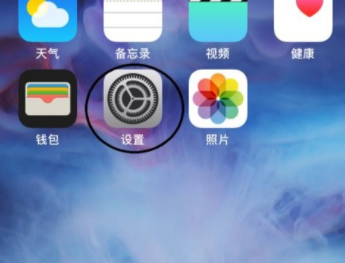
2. Then click " Display and Brightness ".

3. Then click " Auto Lock ".
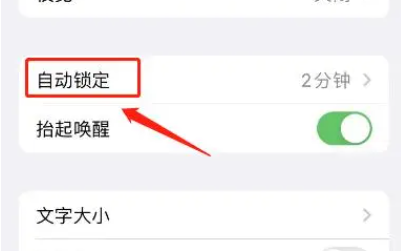
4. Finally, select the black screen time .