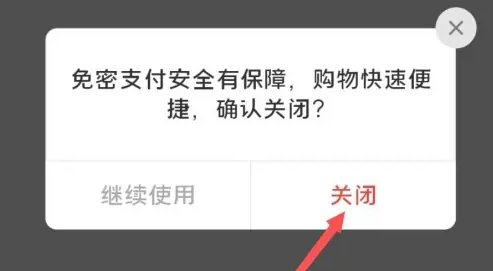
Let’s take a look at the specific operation methods of how to turn off password-free payment in Pinduoduo Seller Edition .
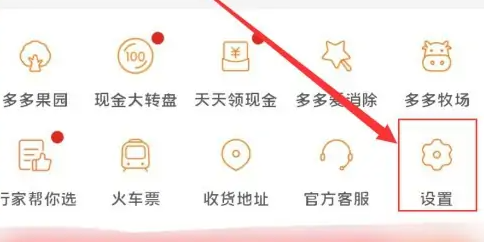
Go to settings
Open Pinduoduo and click Settings.
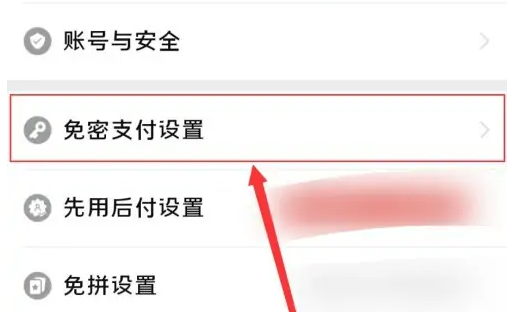
Click on password-free payment settings
After entering the settings, click Password-free payment settings.
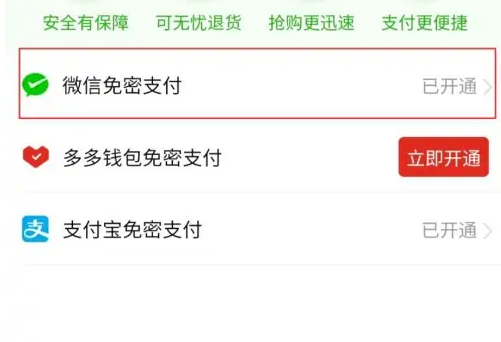
Select password-free payment to turn off
Click WeChat password-free payment.
Close service
Click to close password-free payment.

Click to close
Just click Close.