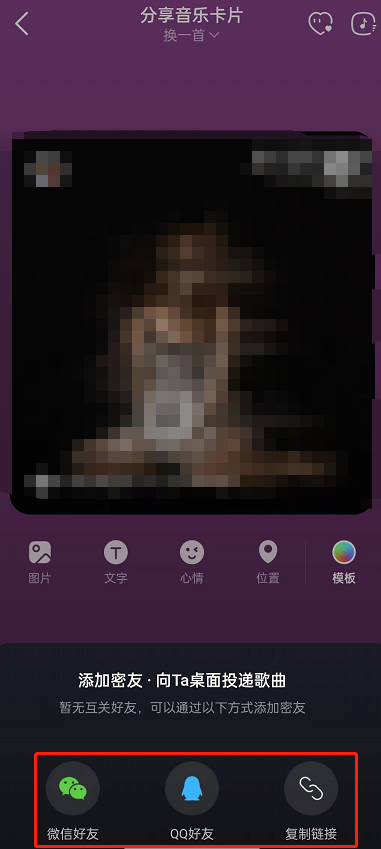
NetEase Cloud Music software is used by many users to listen to music. It provides a variety of songs and music, all with lossless sound quality, and the software also introduces a free play method. Many friends don’t know where it is, so just use the source code The editor of the website will share its location with everyone.
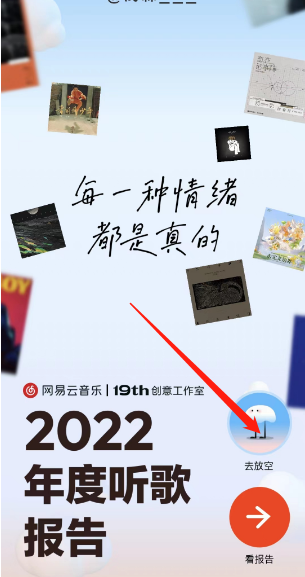
1. Open NetEase Cloud Music and find the annual report. You can see [Go short] above.
2. Enter text to find your location.
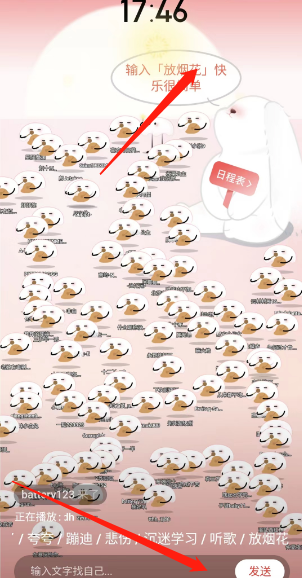
3. Click on the schedule to see various schedules.

1. Open NetEase Cloud Music and click on the song you want to share.
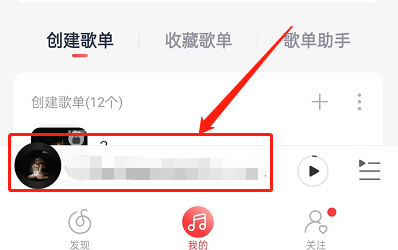
2. Enter the song playback page and click the share icon in the upper right corner.

3. Click to send to close friend’s desktop.
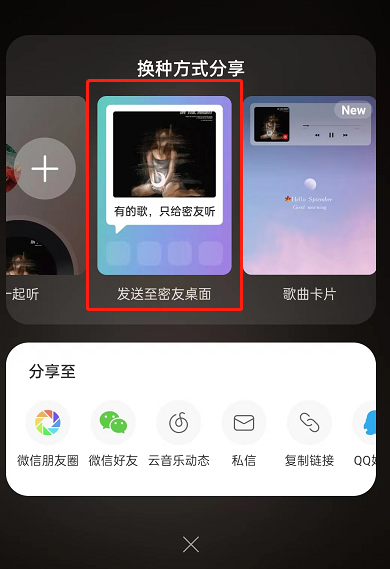
4. Friends who do not have close friends can share it with WeChat or QQ friends first, and then share it after adding close friends of NetEase Cloud Music.