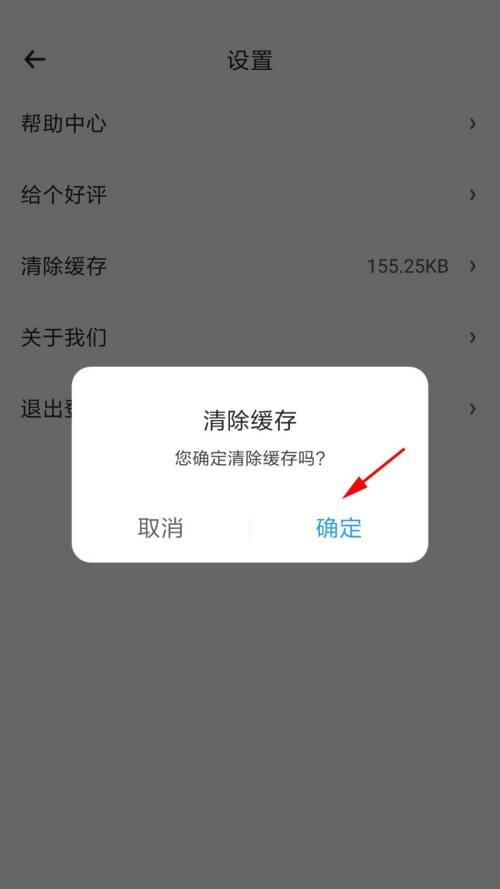
No matter what software you use for a long time, it will cause cache, and Time Sequence is no exception. In order not to occupy the memory of users’ mobile phones, users need to clear it in time. If you want to clear the cache, you may wish to learn from the source code network. Let’s talk about the specific operation method.
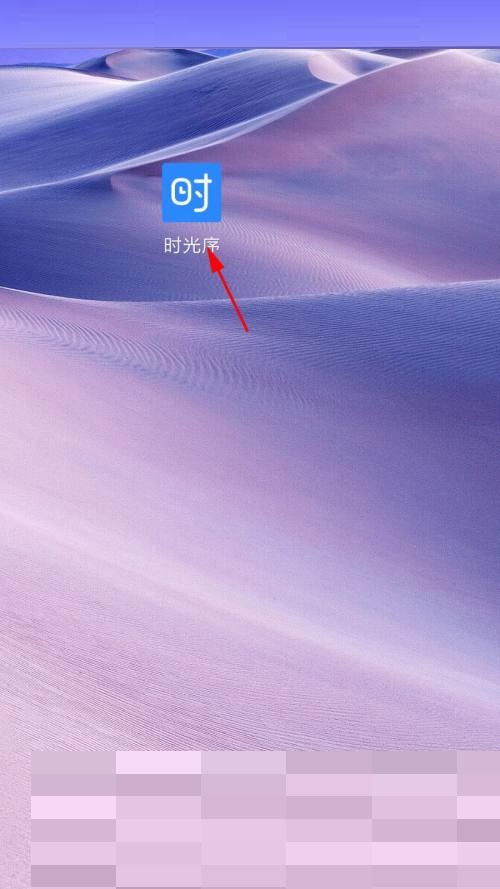
1. First enter the mobile phone and click on 'Time Sequence';
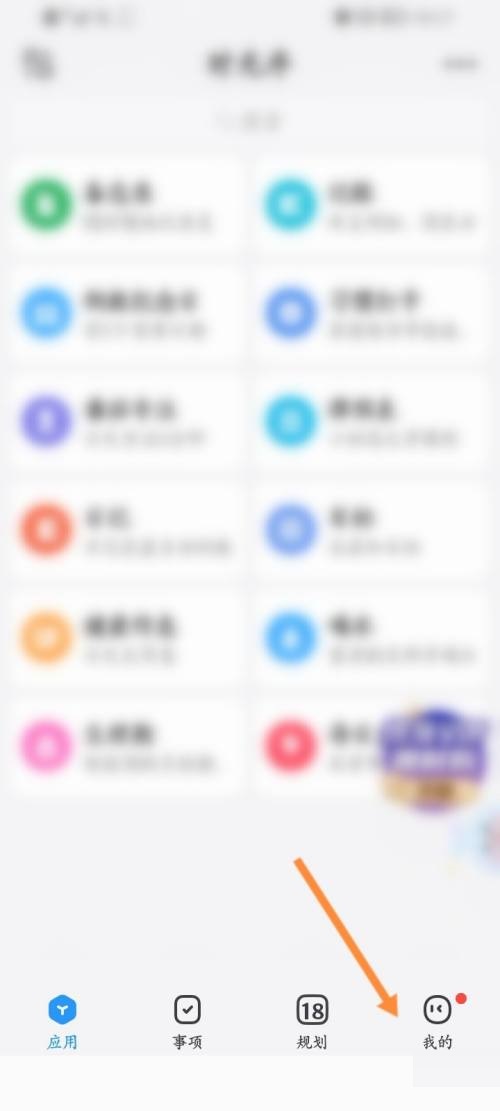
2. Then open the time sequence and click 'My';
3. On my page, click 'Settings';

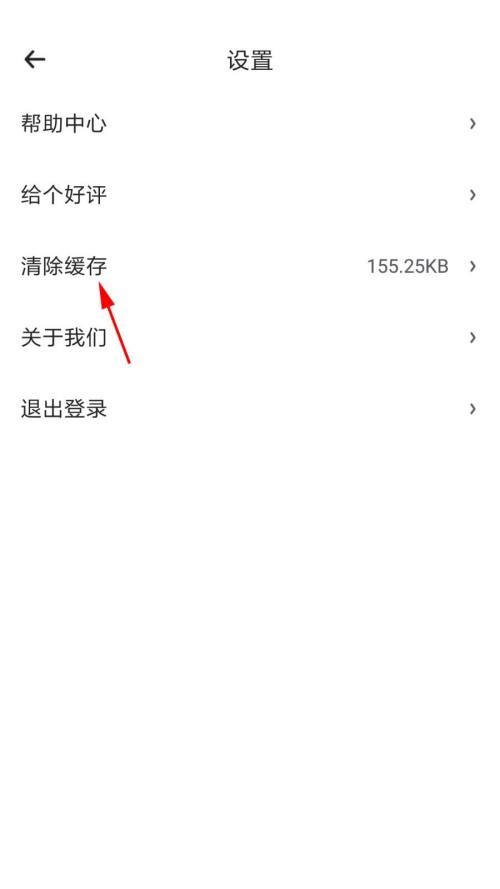
4. Then enter the settings page and click 'Clear Cache';
5. On the last page that pops up, click 'OK'.