How to add a bot for midjourney Adding a Midjourney bot to your Discord server is a simple and straightforward process, let’s take a look!

1. After logging in to midjourney, a pop-up window will appear. We can create a discord server and then select the provided usage scope;
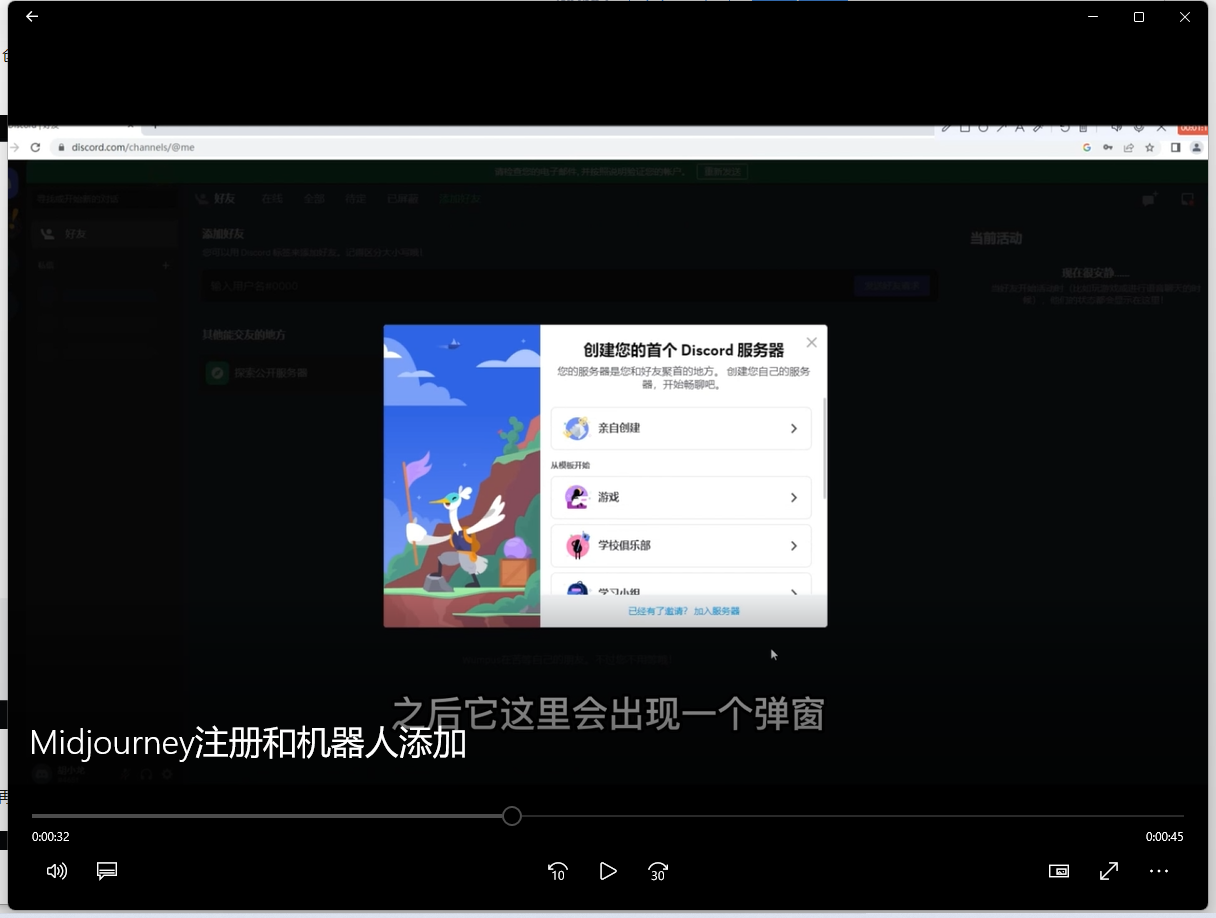
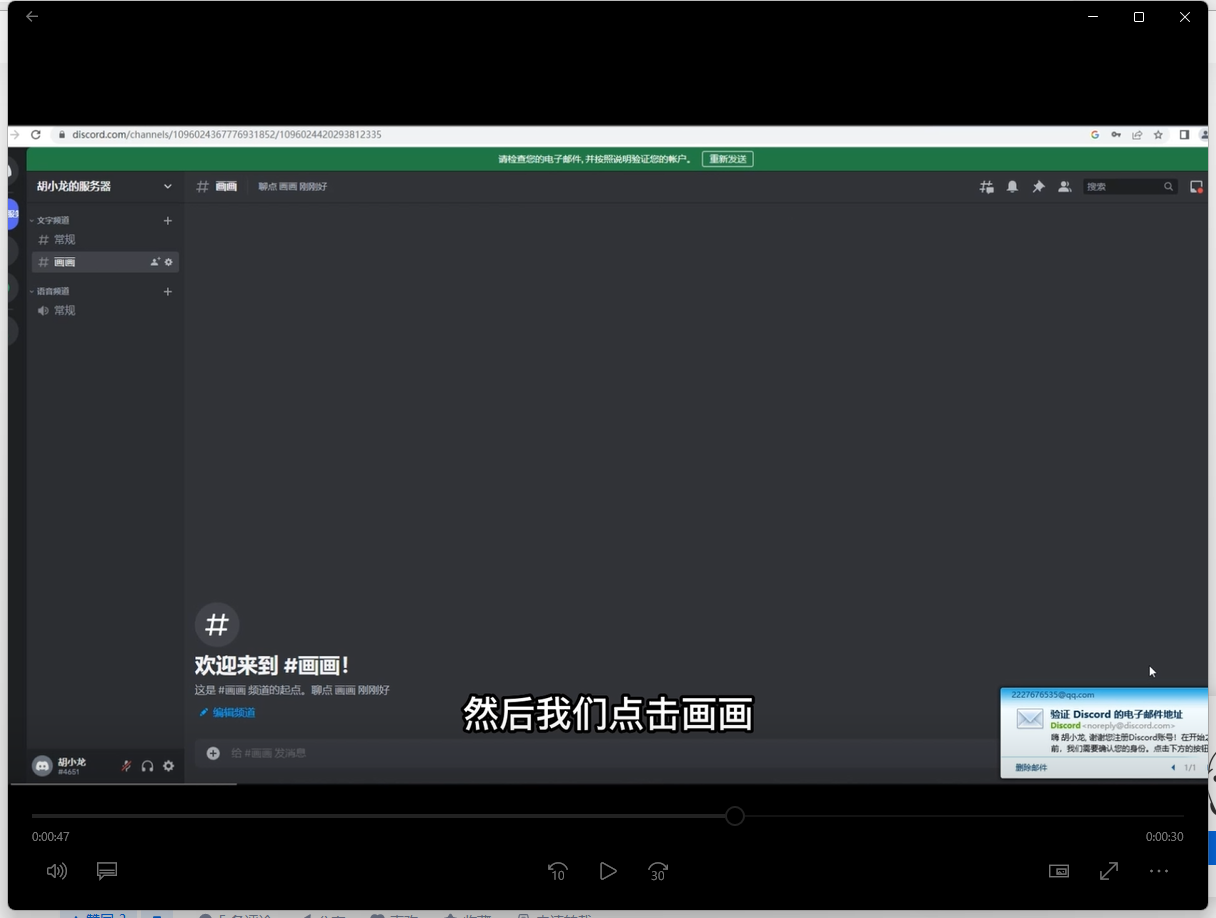
2. Click Take me to my server in the pop-up box, and then we click Draw;
3. After verifying your email address, click to continue using discord;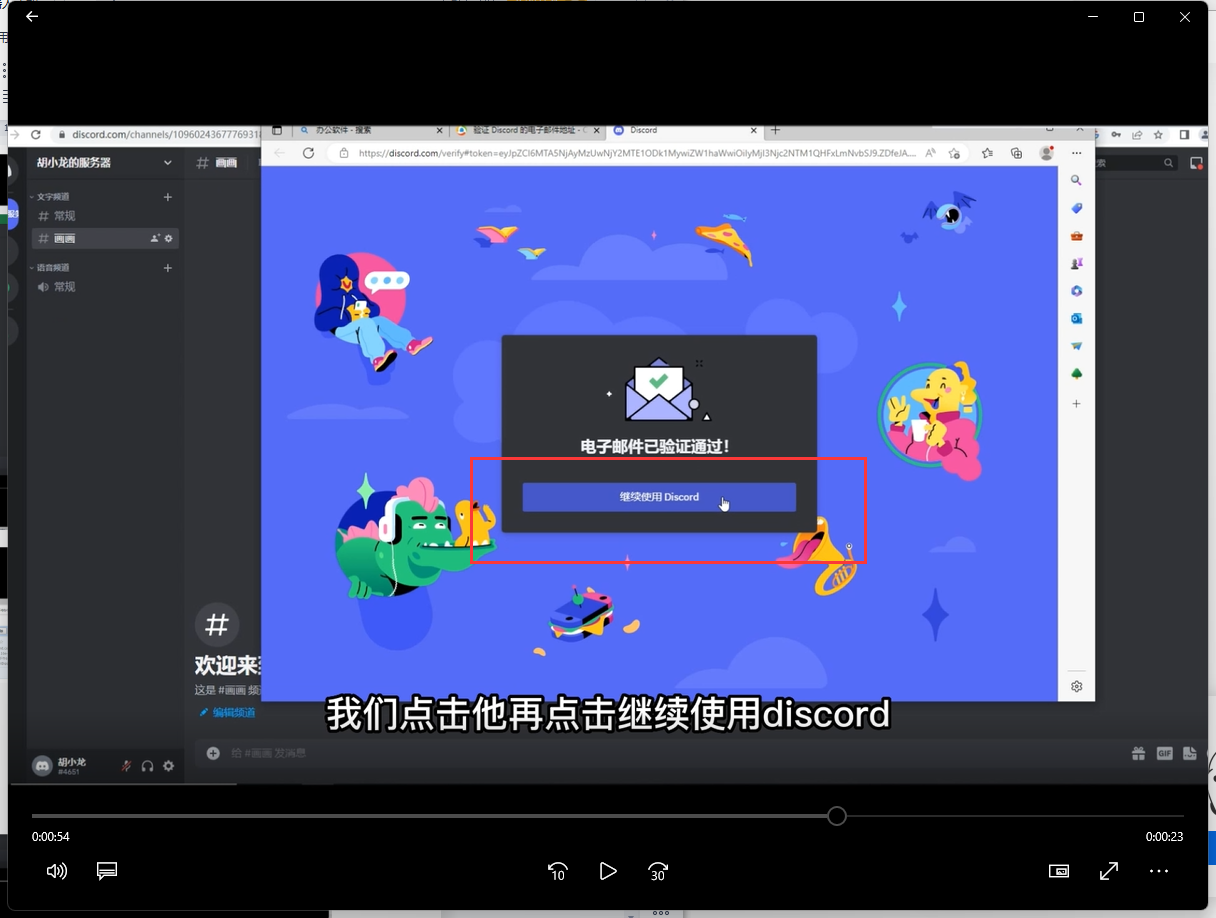
4. Then click on the compass chart in the upper left corner;
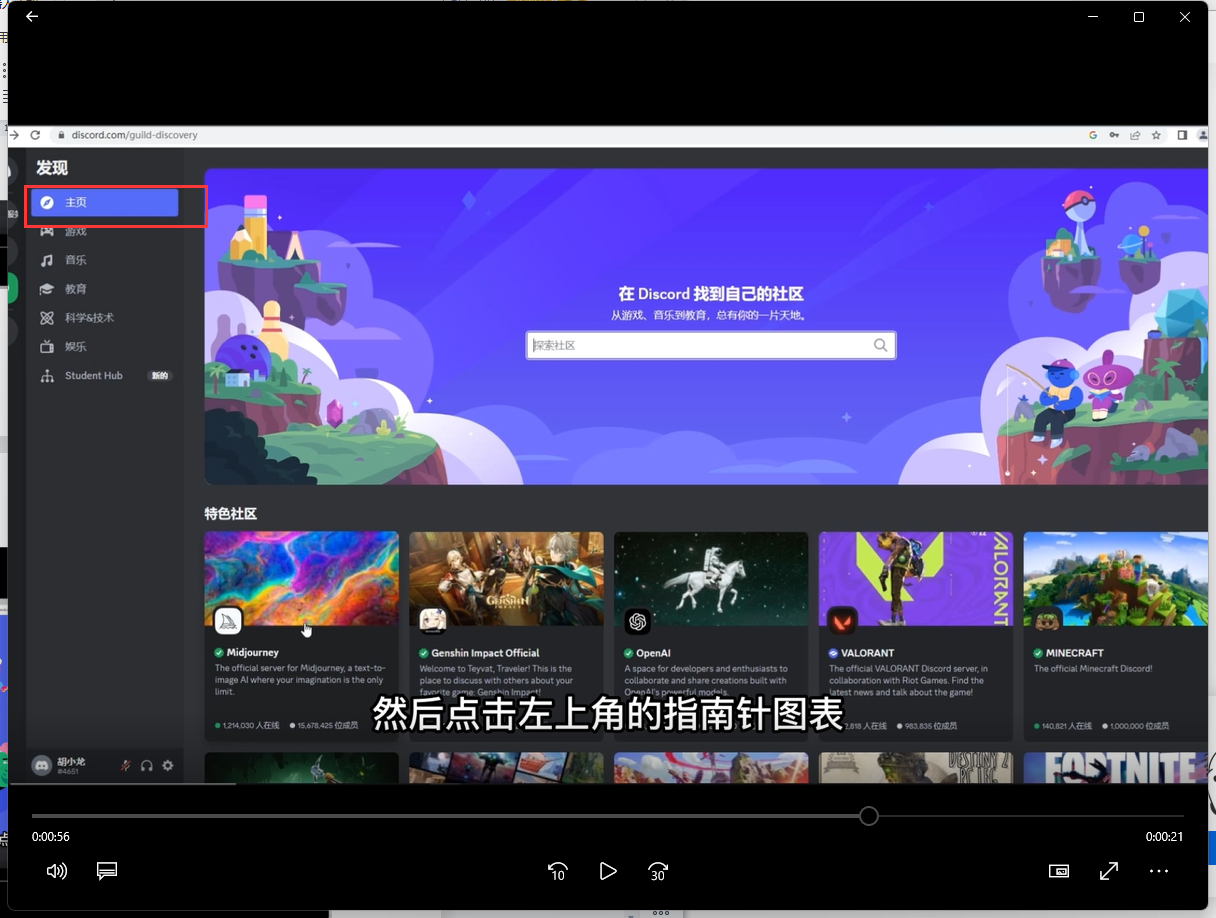
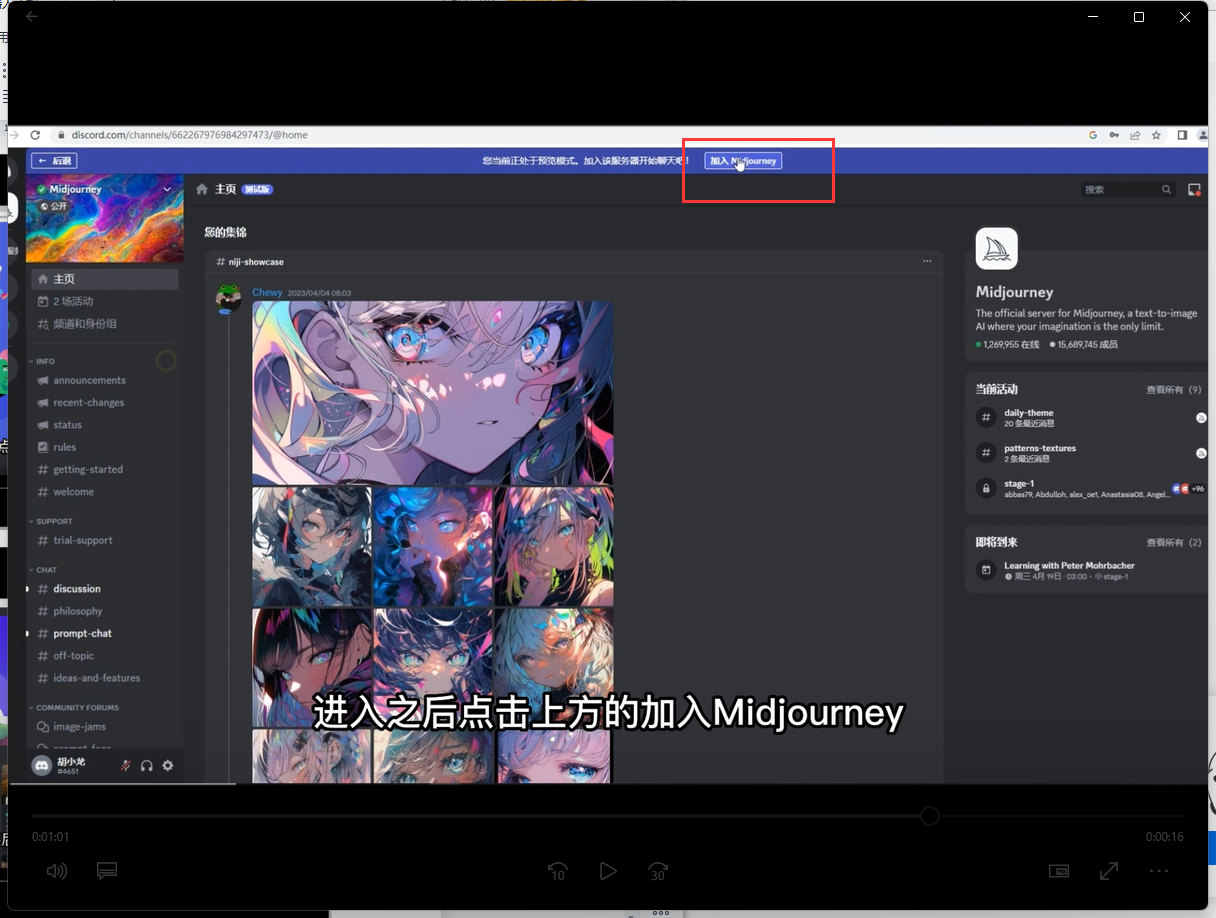
5. Select midjourney, and after entering, click Join midjourney above;
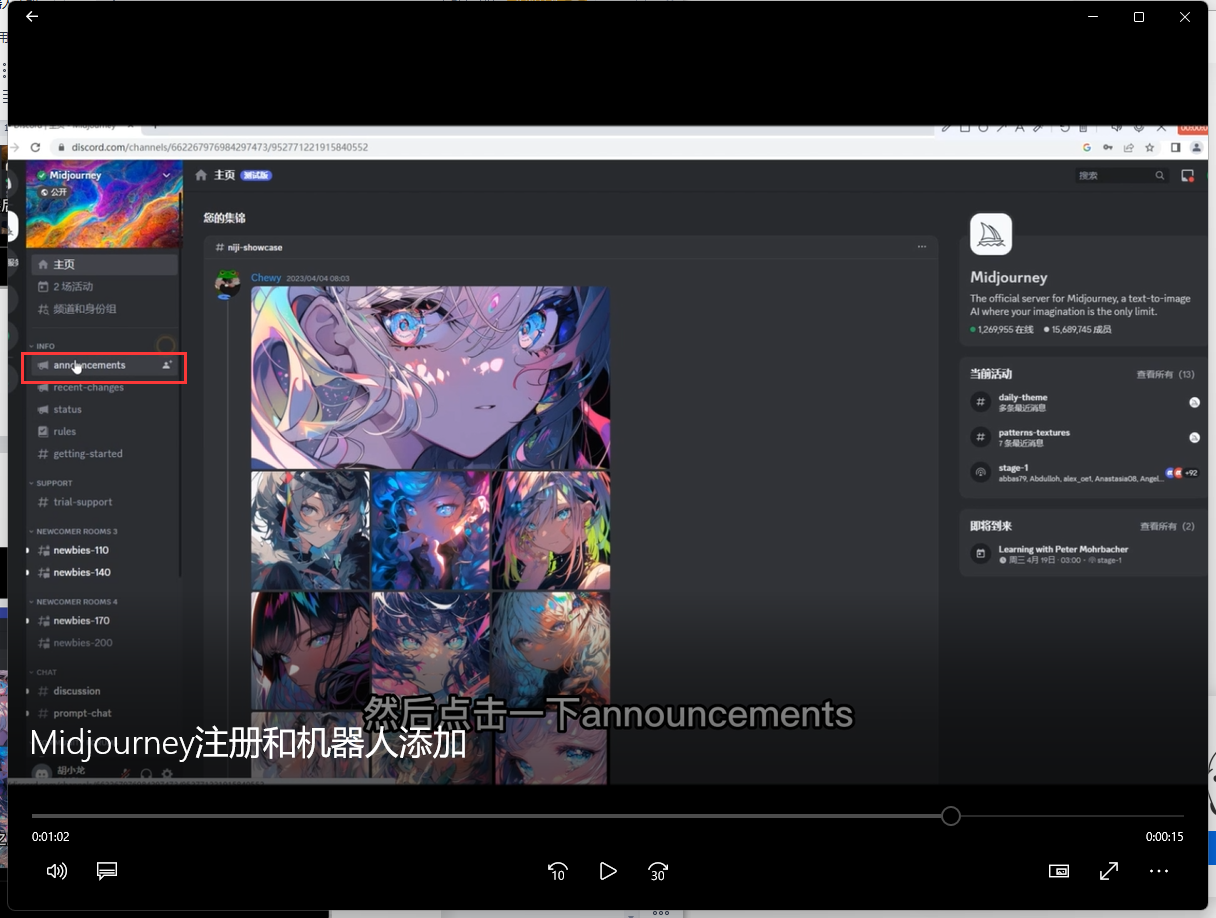
6. Click announcements;
7. Click to display the member list;
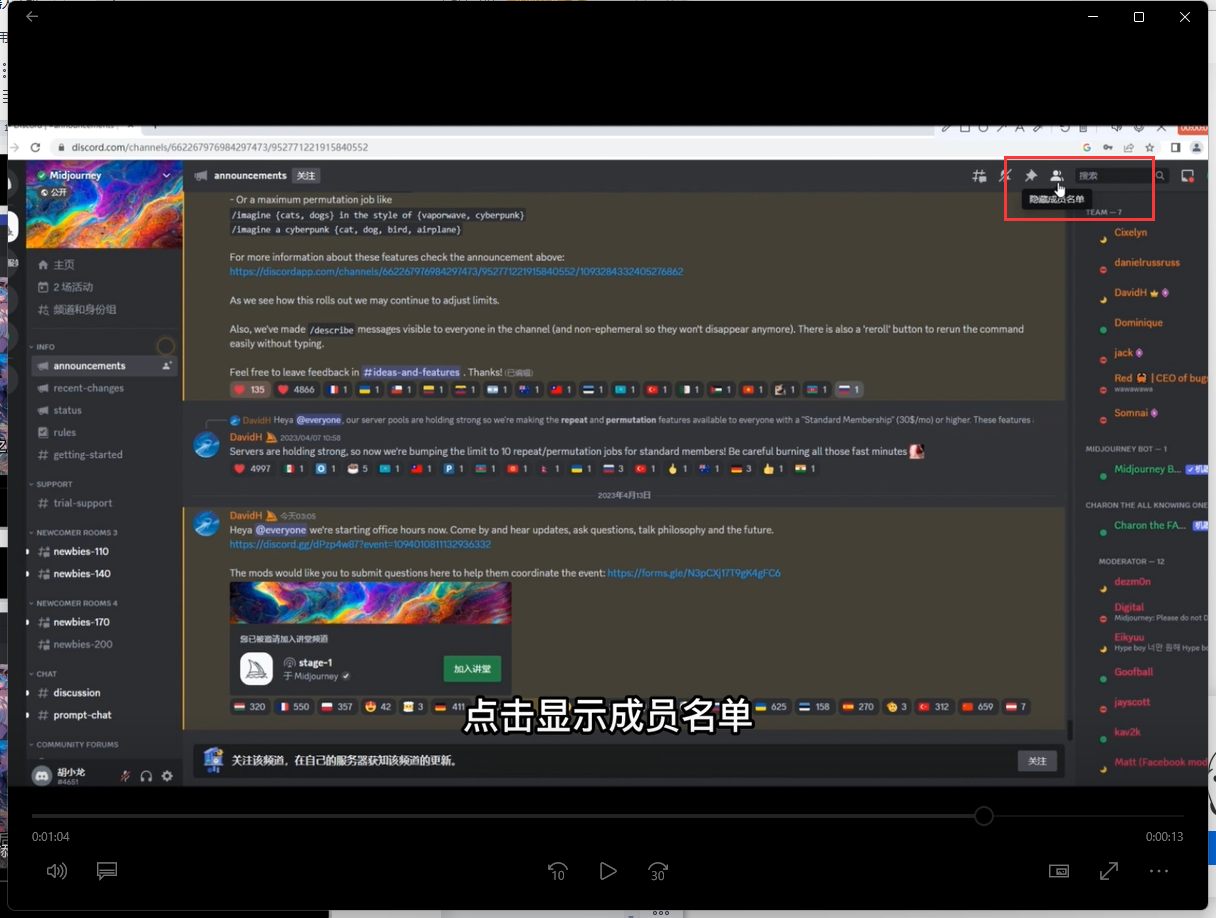
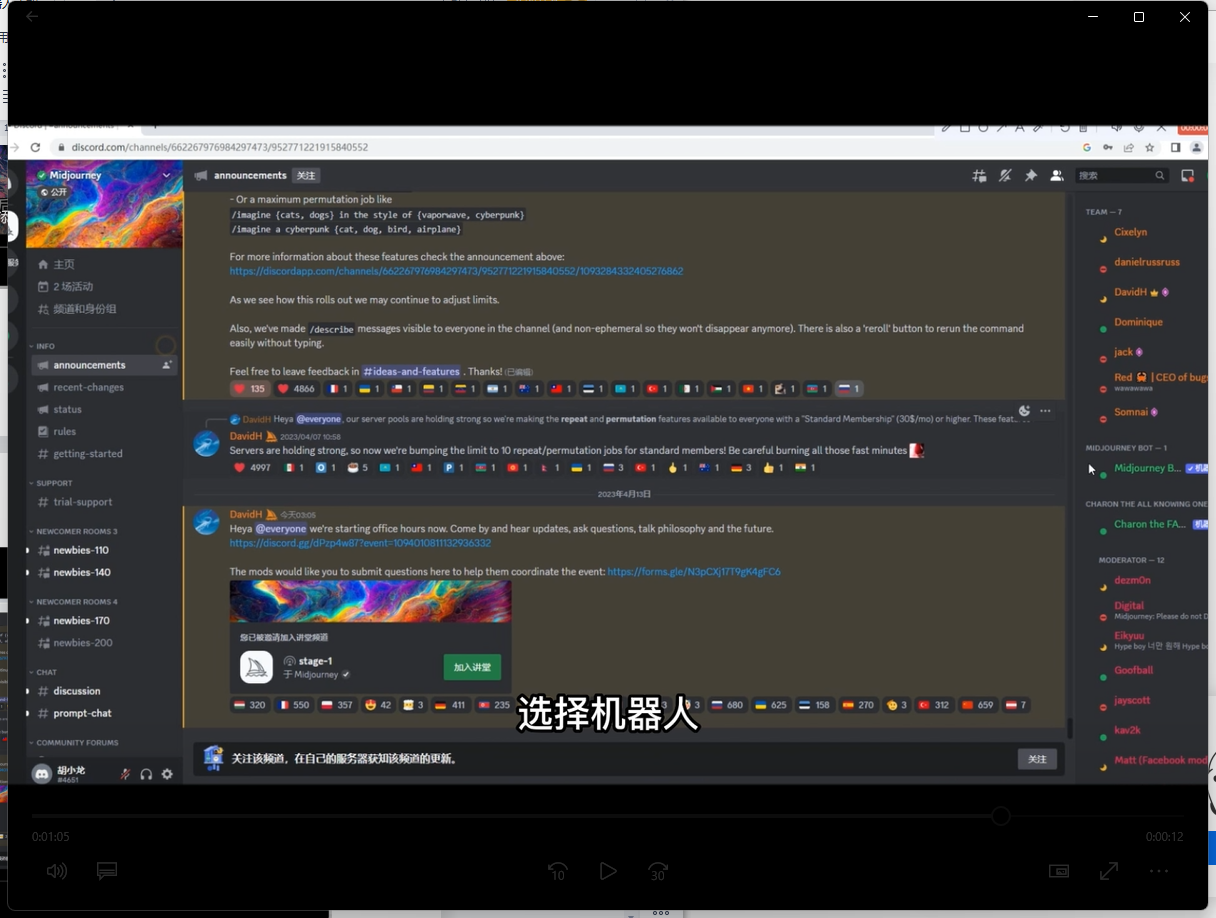
8. Select the robot;
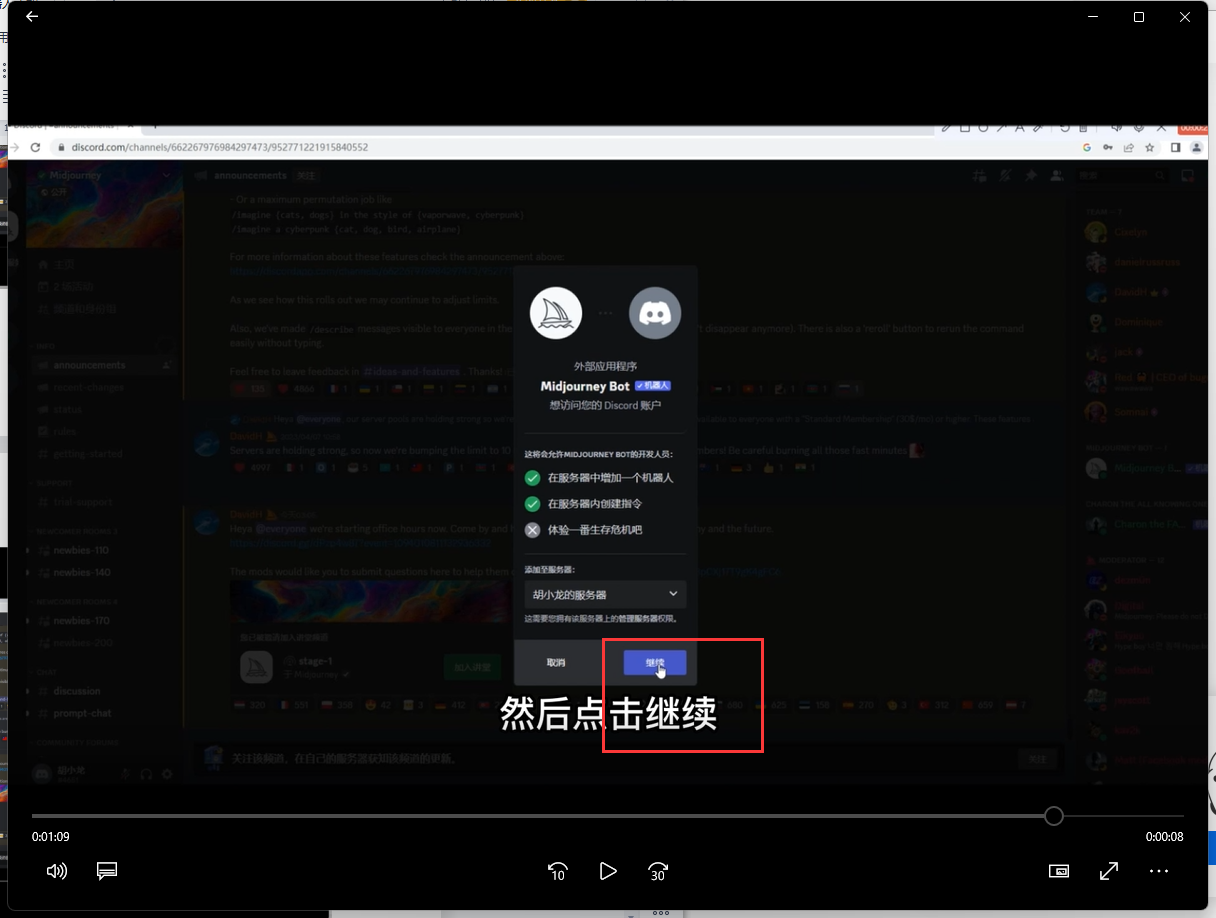
9. Click Add to Server and select a server;
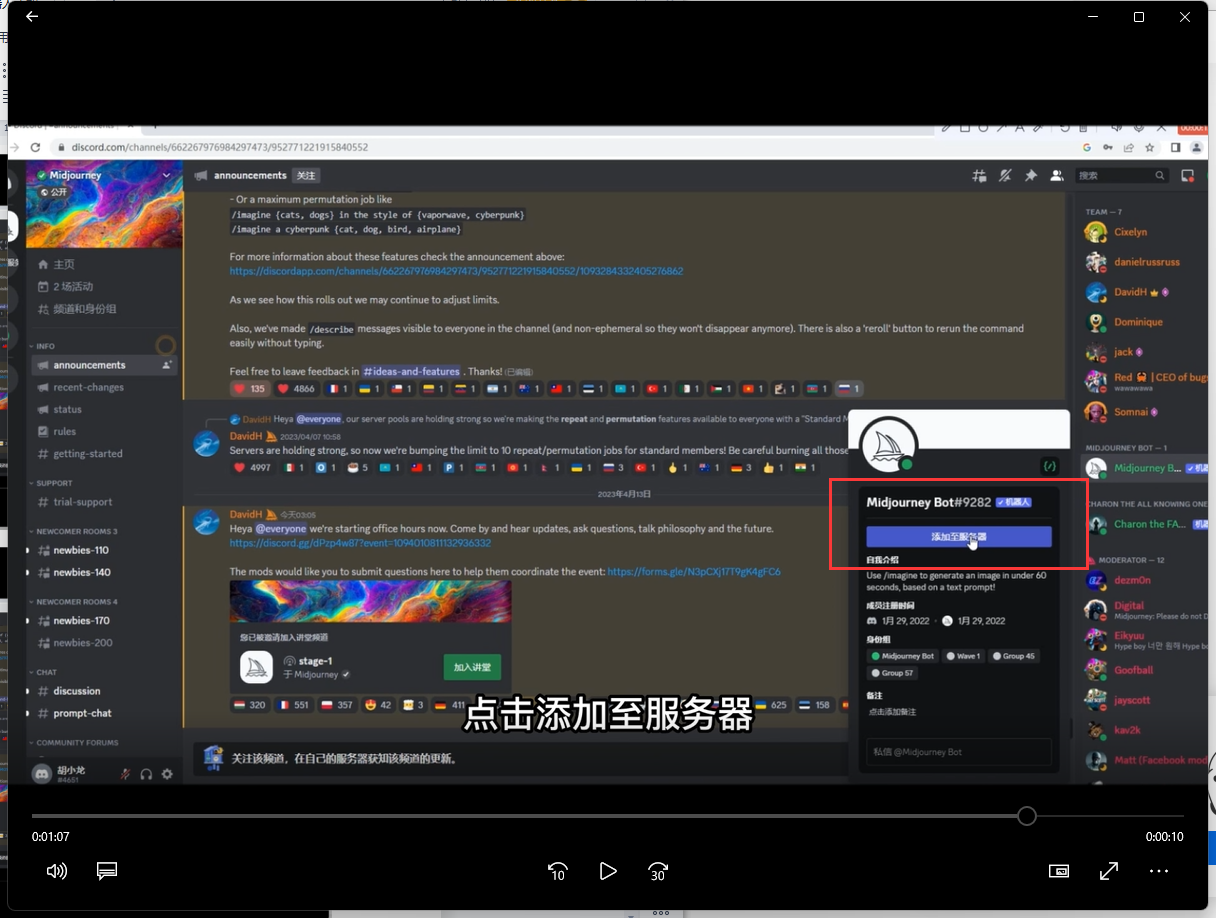
10. Then click Continue, click Authorize in the pop-up box, check the privacy terms, and complete the verification.