What should I do if there is an error in the 360 Browser certificate? 360 Browser is a browser that everyone is familiar with. The operation method is also relatively simple. Users can quickly obtain the information they want.

Solution to 360 browser certificate error
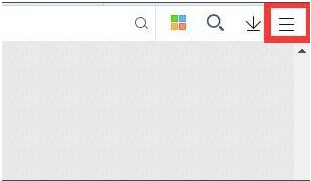
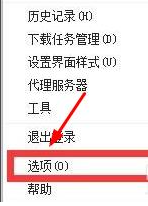
1. Open 360 Browser, click the "Menu" button in the upper right corner, and click "Options" in the pop-up window.
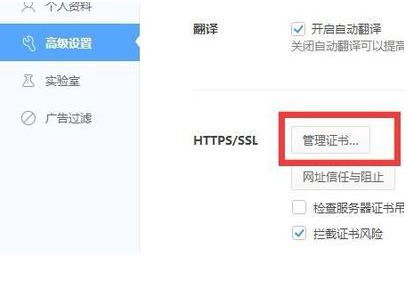
2. On the "Options" page, click "Advanced Settings".
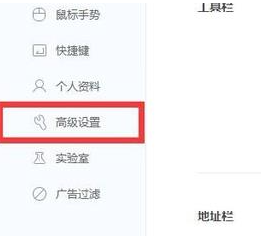
3. Next, find and click "Manage Certificates" on the right.
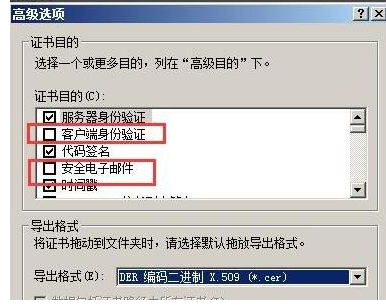
4. Then the advanced options window will pop up. We just need to uncheck "Client Authentication" and "Secure Email".