
How to set a privacy password for Good Doctor Online Consultation? How to set a privacy password for Good Doctor Online APP ? Let’s take a look together.
Step 1: Enter the Haodafu online software on your mobile phone and click Me below

Step 2: Click on Settings above

Step 3: Click Account and Security above
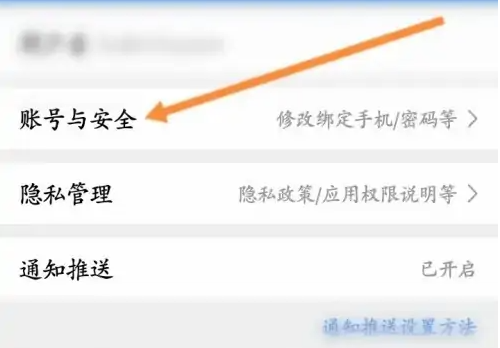
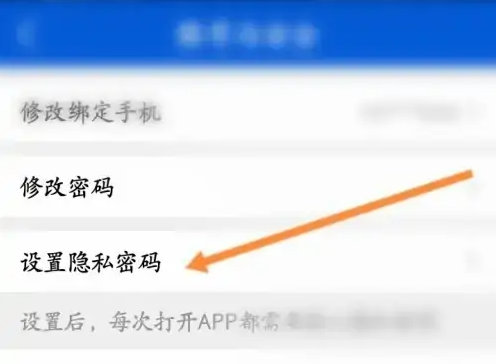
Step 4: Click on Set Privacy Password above
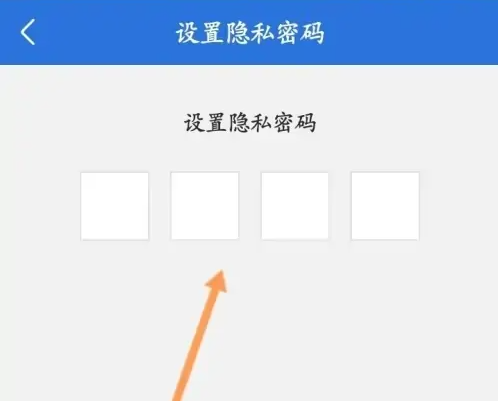
Step 5: Enter the privacy password
The above is the entire content of the tutorial compiled by the editor on how to set up a privacy password for Haodafu Online Consultation as a confidential Haodafu Online APP. If you want to know more mobile game strategies or software tutorials, you can follow this site, which will be updated in real time every day. Valuable content, I hope you all like it.