How to renew a room on Fliggy Travel. Let’s take a look at how to renew a room on Fliggy Travel .
First, open and log in to Fliggy Travel on your mobile phone, and click [My] on the home page.

Then click [My Order].

After entering the [My Orders] page, click on the hotel order from the previous day.

Then, click [Book Again].

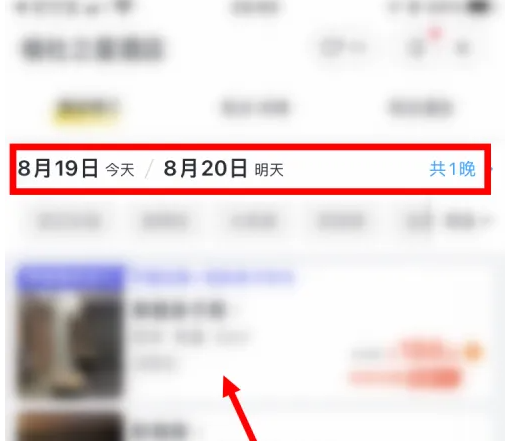
Select your check-in date and click on the same room type.
Finally, click [Pay Now].