Format Factory is a software that can help friends convert file formats, and can also edit videos and music. The following is a tutorial on how to merge videos with Format Factory . If you need it, hurry up and take a look.

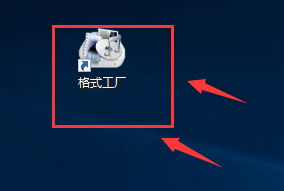
1. First, we open the [Format Factory] on the computer (as shown in the picture).
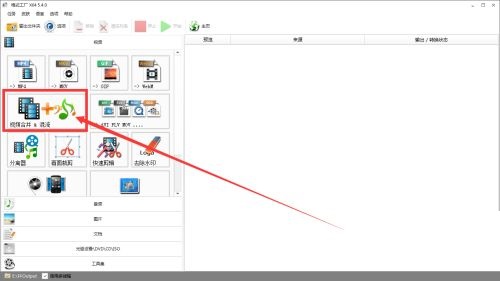
2. After entering the format factory, click [Video Merger & Mixing] (as shown in the picture).
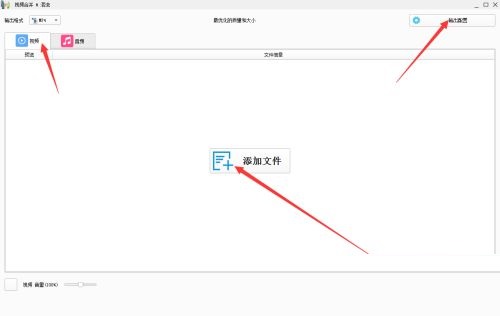
3. Then click [Video], then click [Output Configuration] on the right, configure the video, and then click [Add File] (as shown in the picture).
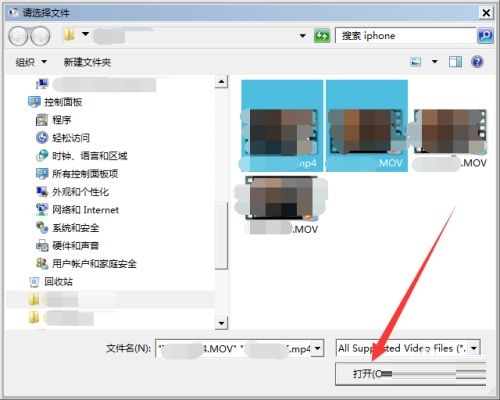
4. Select the two videos you want to merge and click [Open] (as shown in the picture).
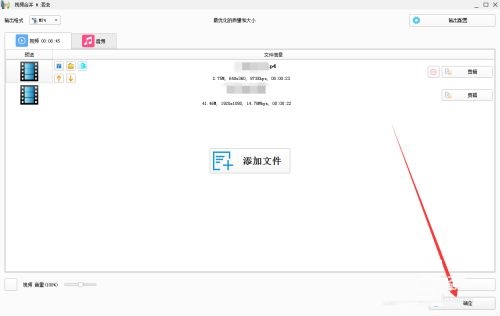
5. After adding the file, click [OK] in the lower right corner (as shown in the picture).
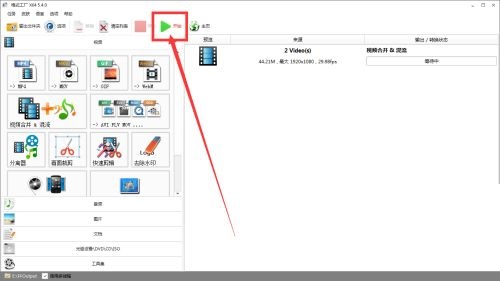
6. Then click the [Start] button above (as shown in the picture).
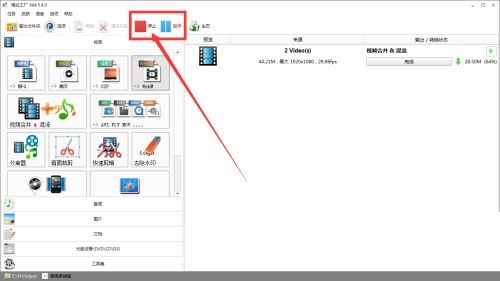
7. After the merger is completed, click the [Stop] or [Pause] button above (as shown in the picture).