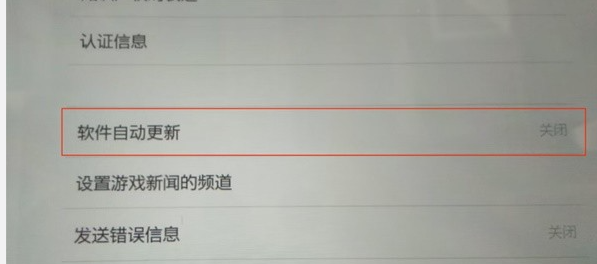
How to turn off automatic updates in The Legend of Zelda: Tears of the Kingdom ? Let’s follow the editor to take a look at the guide to turning off automatic updates in The Legend of Zelda: Tears of the Kingdom.
1. Find the "Host" option in the settings.
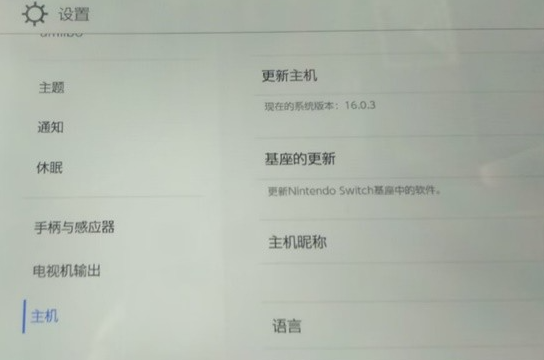
2. Scroll down on the right side to find "Software Automatic Updates".
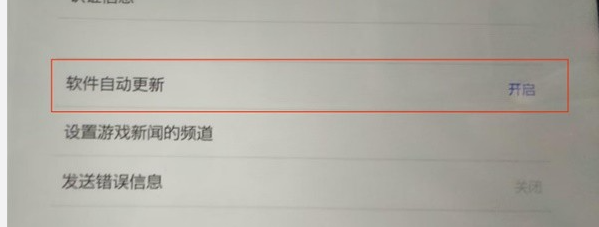
3. Click to close.