How to shoot the special effects of the instant universe on Douyin? It is currently a very popular video style of the instant universe. Many friends don’t know how to do it. What specific method is used to achieve the shooting effect? Let’s introduce the instant universe How to shoot.

1. First, we need to download the clipping app, then log in to our account and find the slideshow activity on the homepage, and click to enter [Transient Universe].

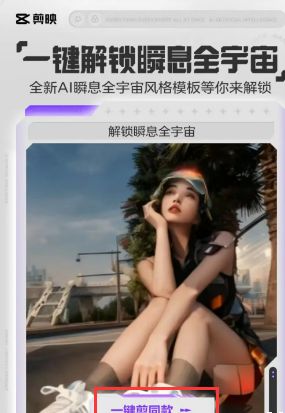
2. Select the instant universe-style video you want to shoot on the event page, and click one button to cut the same style.
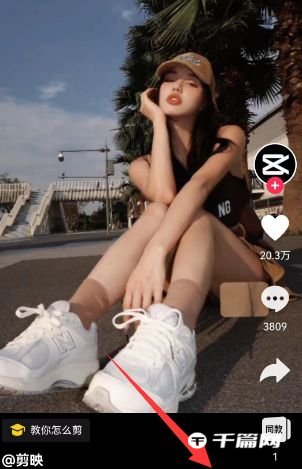
3. In the lower right corner of the video page, click [Cut Same Style] and then select the corresponding video to obtain the picture.
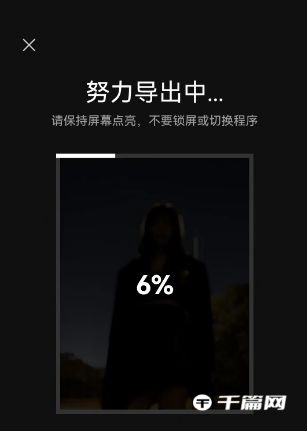
4. Then wait for the video production to be completed, check the effect, and click [Export] in the upper right corner if it is correct.

5. After the export is successful, you can create your own exclusive instantaneous universe special effects video and publish it to Douyin with one click.