
Huawei's weather forecast software is very easy to use. The software is updated 24 hours a day, providing you with the latest weather changes in real time. The software allows users to locate specific locations. You can find the source code for specific operation methods. Check it out online.
Go to the homepage of the weather app and click on the "four dots" icon at the top.
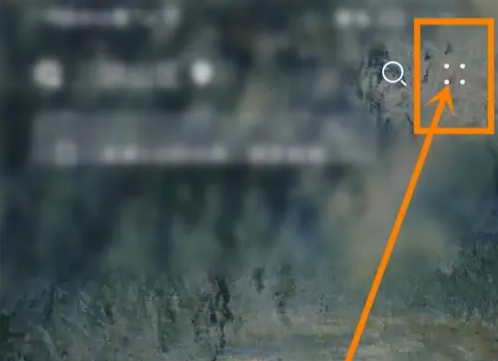
Go to the Tools menu and click the "Settings" option.

Go to the Settings Center and click on the "Settings" option.

Enter the settings interface and click the "Location Settings" option.

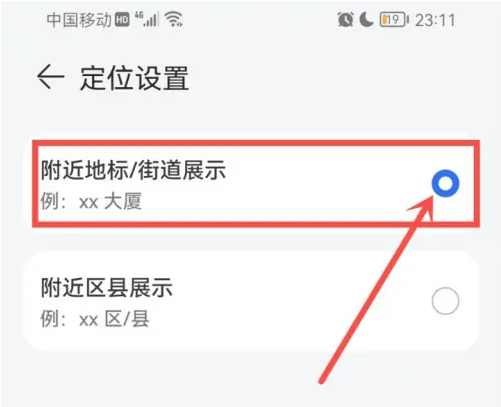
Enter the positioning setting interface and select "Nearby landmarks' street display".
Do you like the relevant introduction brought by the editor? If you like it, please pay more attention to the source code network .