How to manage plug-ins in qq browser? How to manage plug-ins in qq browser ? Let’s take a look together.
Using these plug-ins, you can easily implement convenient functions such as page translation, dark mode, and browser screenshots. Here I will teach you how to use them:
Step 1: Still in the function interface, find the [Settings] button;
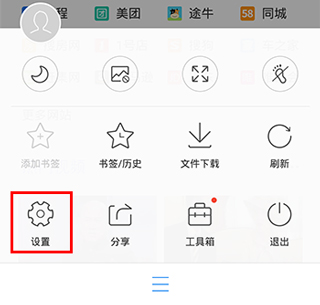
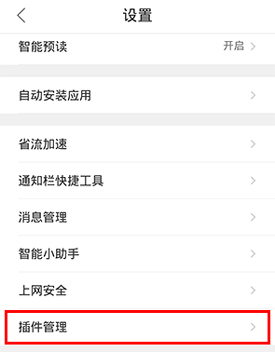
Step 2: Then find the [Plug-in Management] tab in the settings interface;
Click Manage Now to enable the plug-in function.
Existing plug-ins include [price comparison], [quick opening], [screenshot sharing] and other functions.
So go ahead and turn on these features and try them out now! ~