
PyCharm is a python language development tool. Many friends don’t know that PyCharm can be changed. Here is a tutorial on how to change the background color of PyCharm . Friends in need should come and take a look.

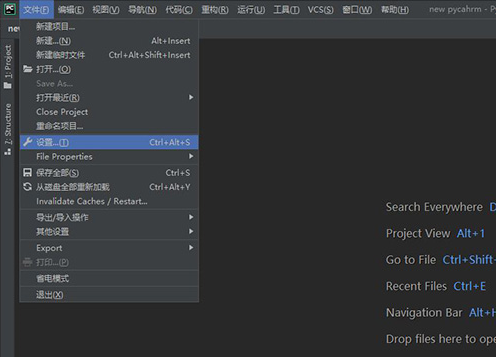
1. Click Settings under [File].
2. Modify the theme color in [Appearance] under [Appearance & Behavior].
