
In the 19th floor platform, users can transfer their idle items and publish relevant idle item transaction information so that more people in need can see it. How to post idle information on floor 19? The following will introduce to you the method of releasing idle information on the 19th floor. Interested friends can take a look together.

1. First open the 19th floor, enter the personal center page, and click on idle transfer;

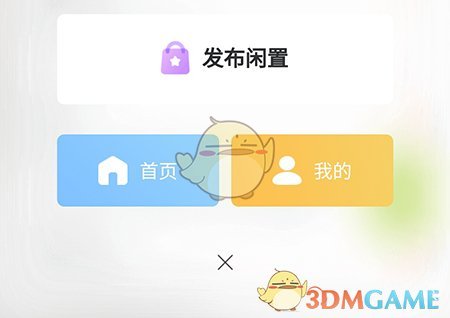
2. Enter the idle list page, click the + button in the lower right corner, a selection box will appear, and select Publish Idle;
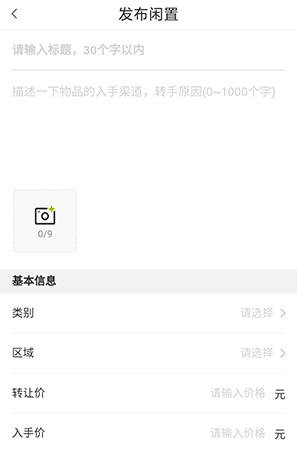
3. Enter the release page, edit the relevant information that you want to transfer and idle, and finally confirm the release.
The above is how to post the 19th floor as idle? The idle method is released on the 19th floor. For more related information and tutorials, please pay attention to this website.