
Where can you listen to songs for free on WeChat? How to set up the function of listening to songs for free on WeChat? Many people have found the corresponding places for listening to songs for free. You can try listening to songs without opening QQ Music. Let’s introduce the free listening on WeChat. How to make songs.
1. After updating WeChat version 8.0.36, open WeChat again and see the newly added [Music] function below;
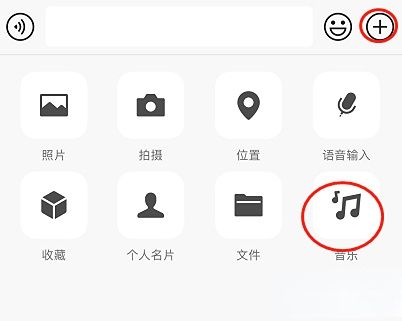
2. Search for [Jay Chou] or other paid songs on the homepage.
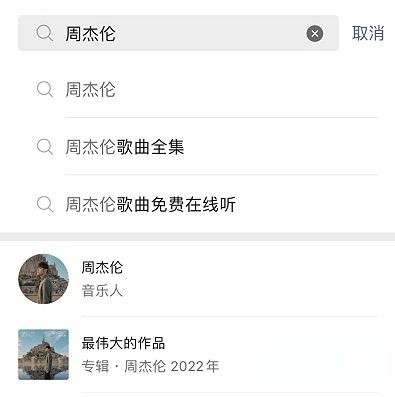
3. Click on the music listening page to enter the music home page;
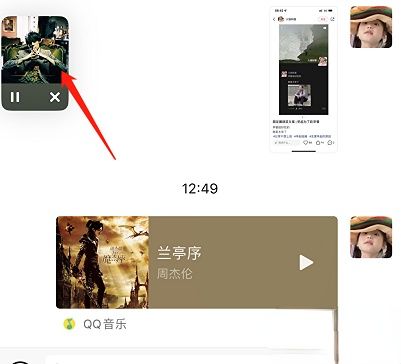
4. After entering, you will find that [Limited-time membership rights have been granted, VIP songs are free to listen to], and you can listen to Jay Chou's songs. You can also listen to other songs that require VIP, but there is a time limit for this. By June 30, your heart will not beat your heart, so hurry up and give it a try.

Many die-hard players know that if you want to listen to Jay Chou's songs, you need to pay. However, after the WeChat version 8.0.36 update, you can listen to Jay Chou's songs for free, but there is a time limit. Players who want to listen to Jay Chou's songs for free can check out the above strategy.