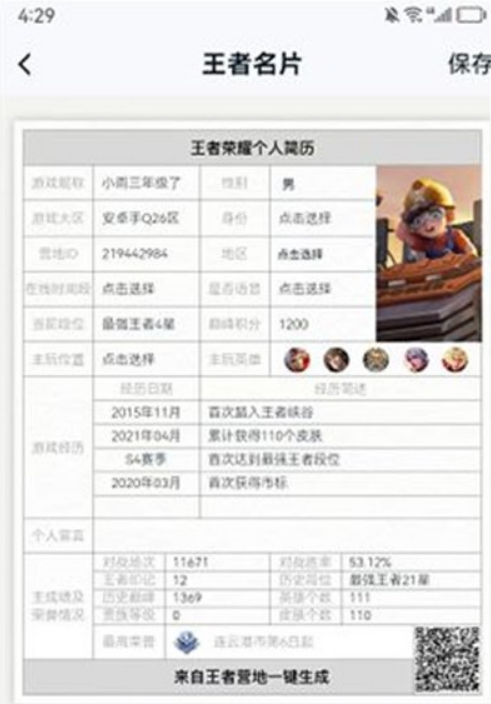
Where to generate a resume in Honor of Kings? The prerequisite for viewing your resume in Honor of Kings is that you must first download the Camp of Kings app on your mobile phone, then log in with the same account as the Honor of Kings game, and finally follow the step-by-step instructions in the article brought by the editor. Got it.
How to query the personal resume of King of Glory
1. Open the "King's Camp" app installed on your mobile phone, and then log in using the same login method as the Honor of Kings game, that is, WeChat or QQ;

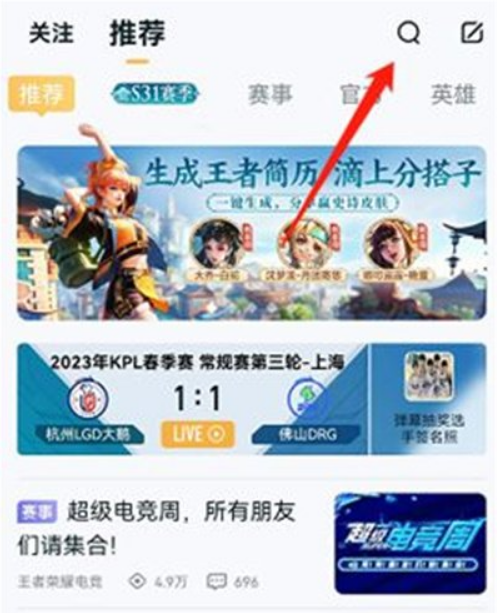
2. You can click on the activity on the homepage to enter directly. If the homepage is not displayed, you can directly click the "Search" button in the upper right corner;
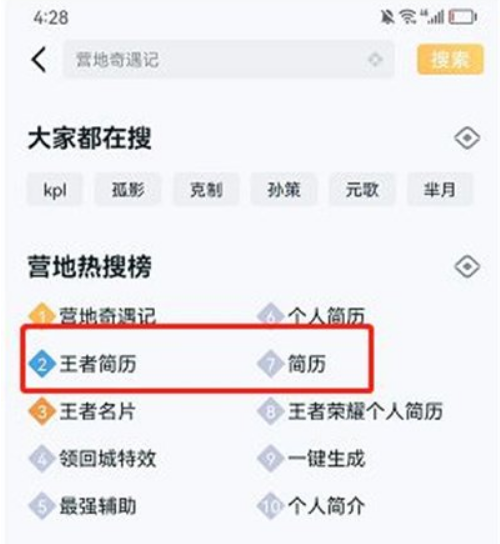
3. Then search for “King’s Personal Resume” to find the activity;
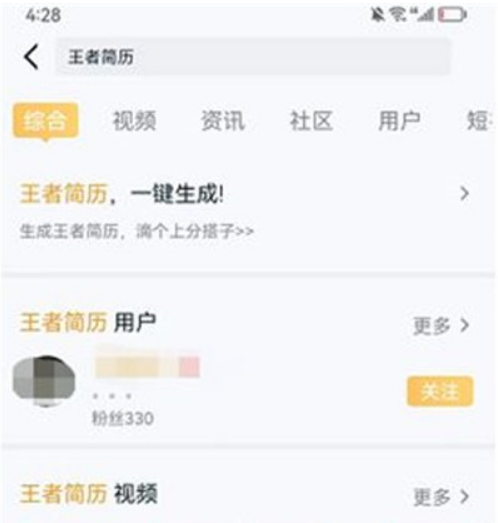
4. Click "King's resume, one-click generation" to quickly enter the event to generate your king's personal resume information;
5. Finally, you can see your Honor of Kings personal resume, and you can share the resume directly with your friends.