
The LinkedIn workplace software is updated every day to provide more jobs in different positions in a timely manner. It also allows you to modify your personal information, enrich your information, and better find a job that suits you. The following is what the editor provides Here are your specific modification methods.
We first click on the desktop icon to launch the LinkedIn Workplace app

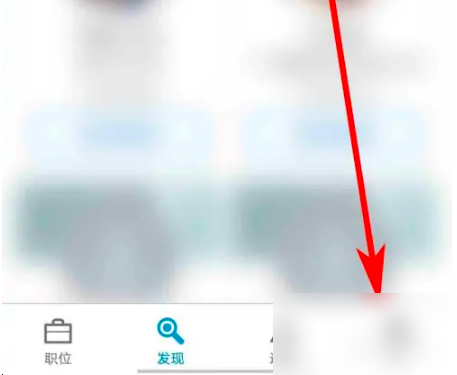
On the LinkedIn Workplace app homepage, we click “I” below
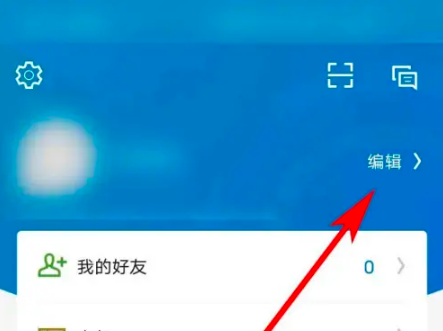
In the "Me" page, we click "Edit" marked by the arrow in the picture
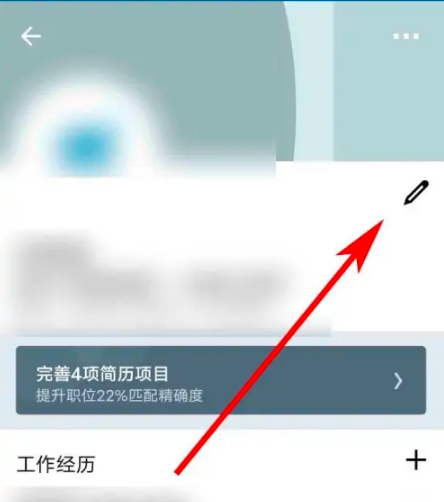
After the page jumps, we click on the pencil icon as shown in the picture
On the next page, we fill in the relevant information according to the prompts on the page and click "Save" on the upper right to complete editing the personal information. I hope this helps.

Did the relevant introduction brought by the editor solve these doubts for you? Interested users please go to the source code Internet cafe .