
Many friends may not know that in addition to watching TV series and variety shows, Tencent Video can also upload your own videos. The following is about

1. Open 360 Secure Browser and search for "Tencent Video" and enter the official webpage.

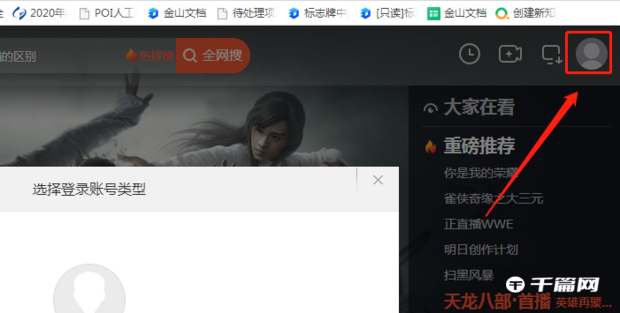
2. After entering the official website, click "Log in now" in the upper right corner {select QQ or WeChat login method}.
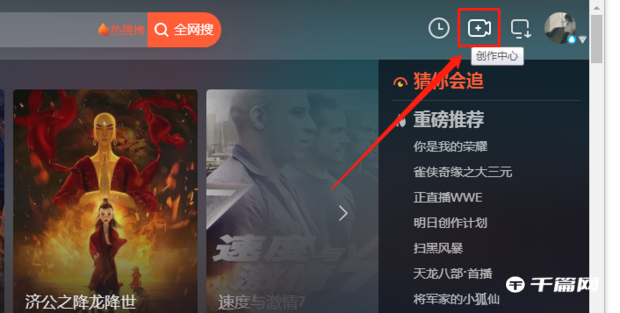
3. After successfully logging in, click "Creation Center" on the upper right side of the web page
4. When prompted that real-name authentication is required, click “Real-name Authentication Now”.

5. After the real-name authentication is successful, click "Upload Video". After the upload is passed, the video will be uploaded to Tencent Video. You can also see it in your own video management.