
When users edit their resume on the Best Oriental app, they can also upload a personal short video, so that they can introduce themselves better and find a job easier. So how does Best Eastern add personal videos? The following is an introduction to how to add a personal video. I hope it will be helpful to you.
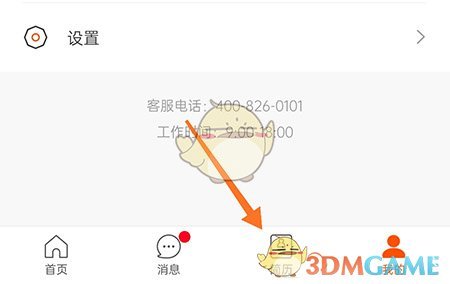
1. First open Best Eastern and enter the resume section through the bottom menu bar;
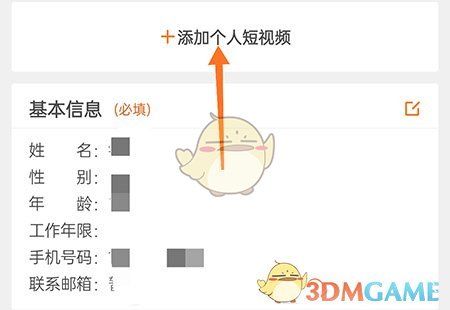
2. Enter the resume page and click to add a personal short video;
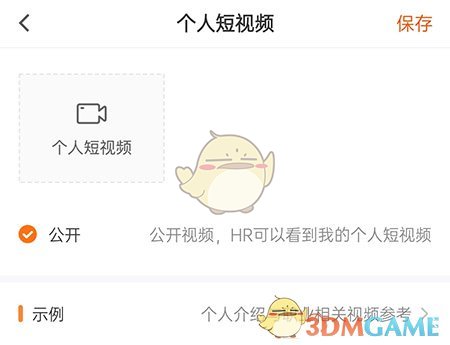
3. In the personal short video, click to upload your own video, and then select save.
The above is the best way to add a personal video? To add personal video methods, please pay attention to this website for more related information and tutorials.