Kuwo Juxing app is a super fun live streaming application. You can start high-definition live broadcast and watch performances anytime from anywhere. Do you want to know how to turn off smart blocking when using Kuwo Juxing app? Below I will introduce to you a tutorial on how to turn off smart shielding. I hope it can help you!

1. The first step
Select [My] and click to enter;

2. The second step
Select the [icon] in the upper right corner and click to enter;

3. The third step
Select [Settings] and click to enter;

4. The fourth step
Select [Private Chat Settings] and click to enter;
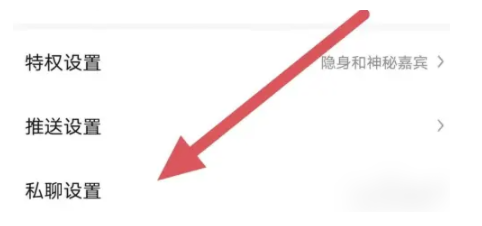
5. Step 5
Select [Smart Shield] and click to enter;

