
There is a listening function in Tencent Classroom. I believe many friends are familiar with it. So how can we turn off listening? The following is about how to turn off listening in Tencent Classroom . Friends who need it can come and take a look. .

1. First open Tencent Classroom on your computer and click on the three-dot icon.

2. Then click System Settings above.

3. Then click to open listening options.
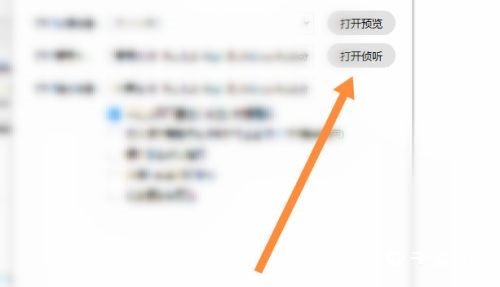
4. Finally, the listening function was successfully turned off.
