Haokan Video app is a high-definition short video platform with hundreds of thousands of video creators. It has a large number of exciting video categories. Are you wondering how to set up not interested when using Haokan Video app? Below I will introduce to you a tutorial on how to set not interested, I hope it can help you!

1. First open your phone and click to enter the [Haokan Video] app.

2. In the short video interface, click the [Share] button on the right.

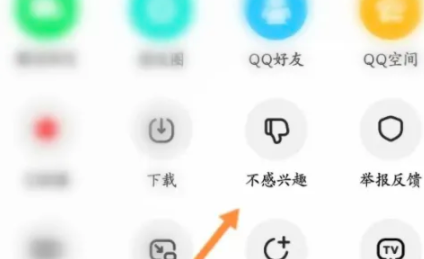
3. Then click to select [Not Interested] to enter.
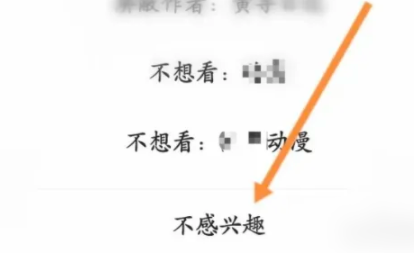
4. Then click [Not Interested] at the bottom of the list.