Class Optimization Master is an intelligent class management APP specially built for teachers. Many friends want to know how to submit homework? Here is a tutorial on how to submit homework. Hope this helps everyone!

1. Open the class optimization master, as shown in the figure:

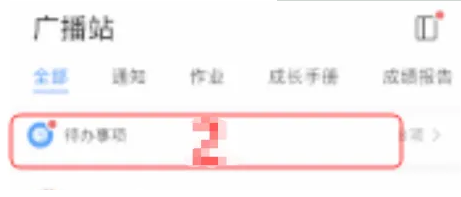
2. Select the radio station and click on the to-do item to enter the page, as shown in the figure:
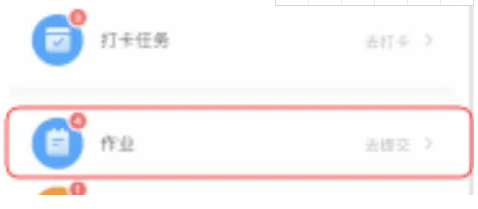
3. Click on the job, as shown in the figure:
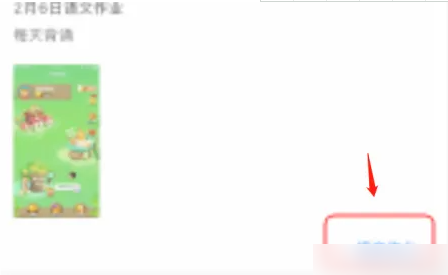
4. Enter the page and click Submit Assignment, as shown in the figure:
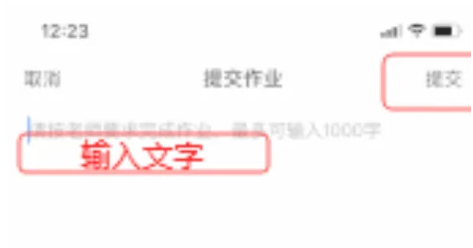
5. Edit the assignment content and click Submit.