Qingshu Academy allows users to check different learning contents at any time. All materials and learning resources are free. Different versions have different service industries. The method of checking the version number is also very simple. This time the editor has prepared it for everyone. Here is a detailed tutorial, I hope it will be helpful to you guys.
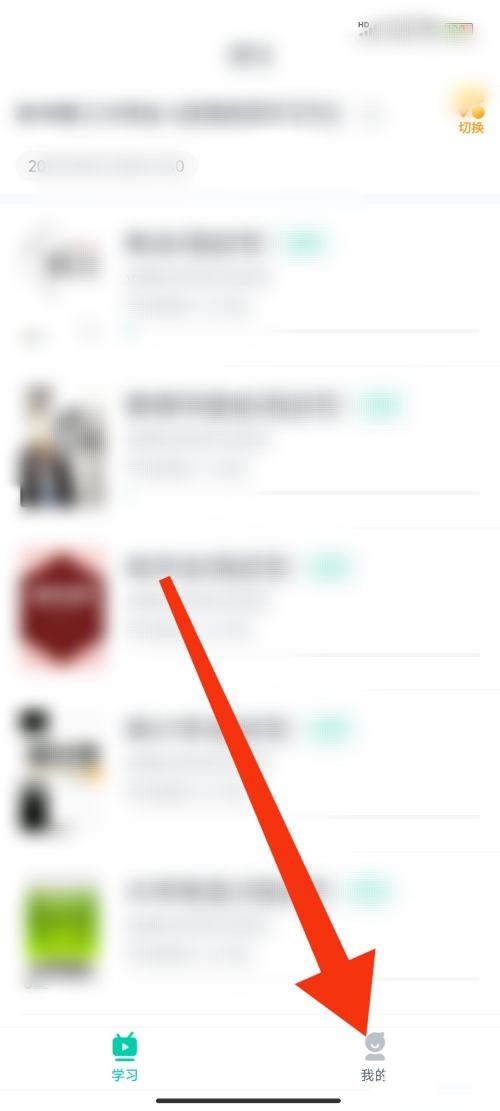
1. First open the Qingshu Academy software and find the My option in the lower right corner.
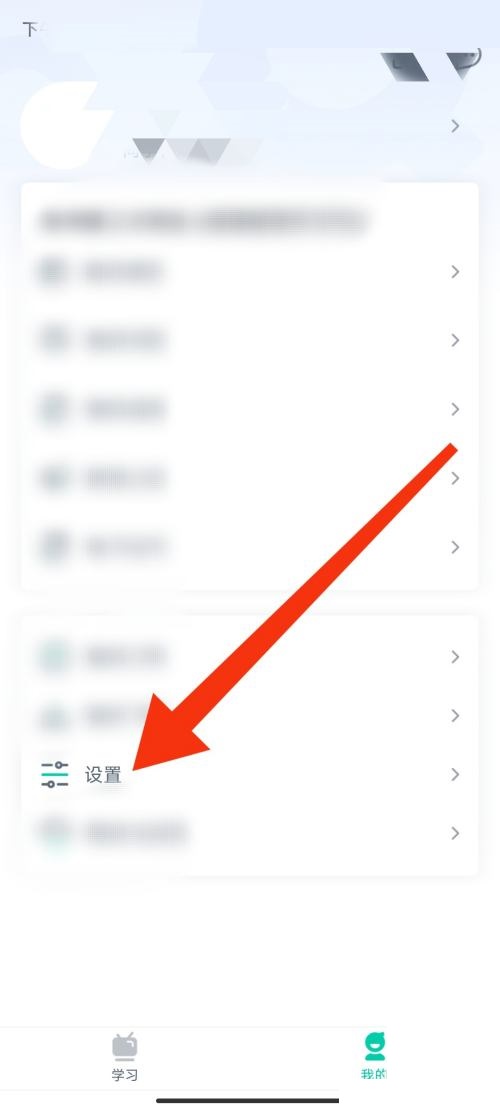
2. Then find my page and select the setting options below.
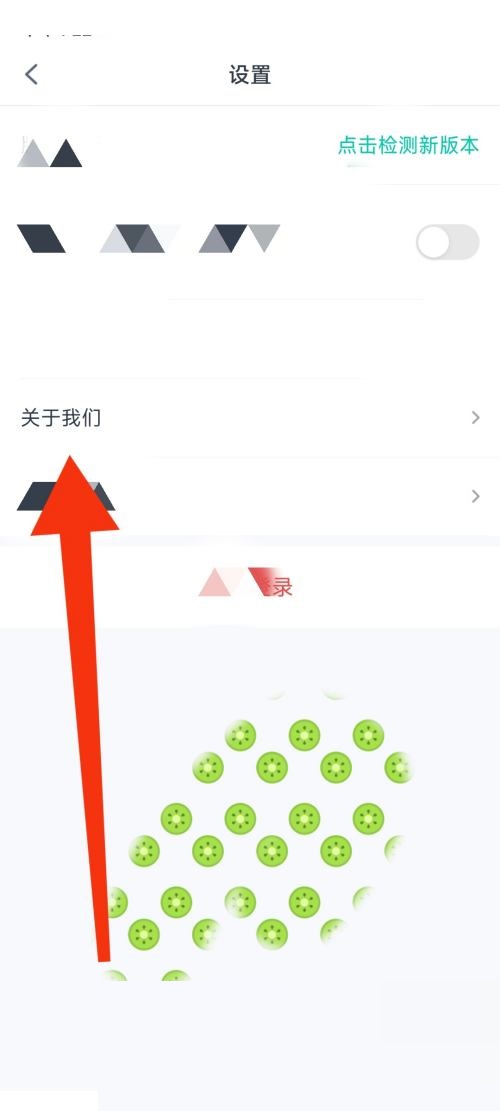
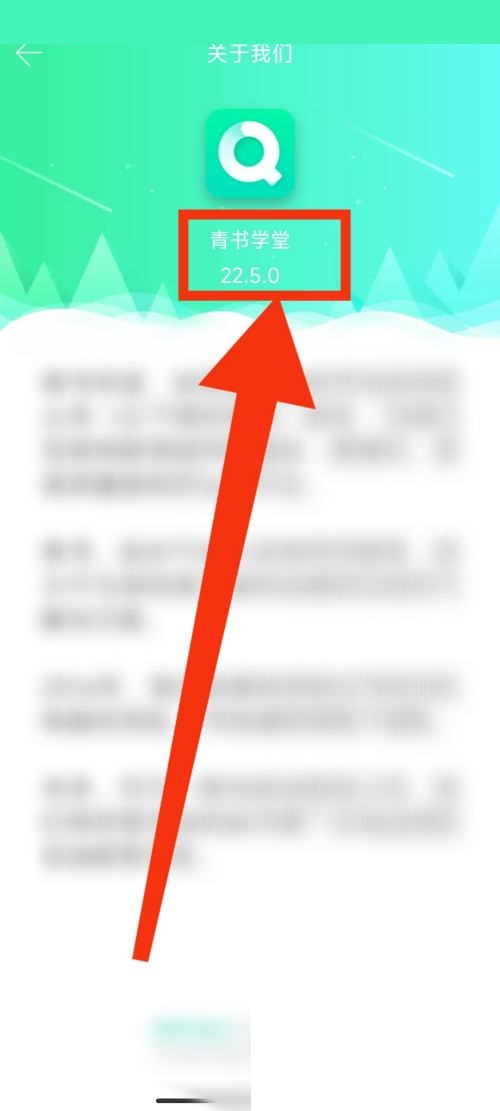
3. Select our option to enter the page to view the version number.