
There may be many children who want to know how to add friends to "Cultivation Together to Immortality". Next is "How to Add Friends to Cultivation Together" introduced by the editor of Source Code.com. Friends who have these questions, let's take a look. I hope it can help. Come to everyone.
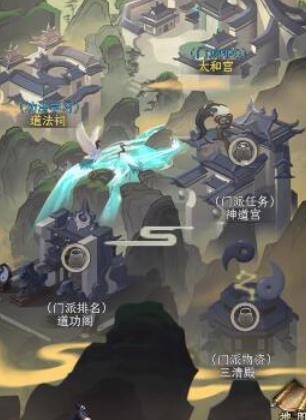
First of all, players can directly enter the friend function to check whether other players have sent friend verification. You only need to pass these friend verifications to successfully add a batch of friends. If you have not received verification from other players, you can also take the initiative to add friends. You only need to use the one-click adding function in the friend function.
In addition to adding friends on a large scale through one-click addition, players can also add friends by searching for their IDs. Go to the friend adding page and fill in the corresponding friend ID in the search function to search for friends. Then players click Add Friend to send friend verification to the other party. After the other party agrees, they successfully become friends.

Of course, players can also add friends in the arena. When fighting in the arena, players can see enemy information directly on the battle page. If they feel that the opponent is strong enough and want to fight with them multiple times, players can click on the enemy's avatar and choose to add friends. This method can also help players make a lot of friends.
If you are fighting in a later team copy, you can successfully add teammates. After players win the battle, the system will enter a page to settle game rewards, where you can see the rewards of all teammates. Players can directly click on a person's avatar to enter the opponent's details page, and then select Just add friends.
In short, the various methods of adding friends mentioned above can help players get to know more friends in the game. I hope you can use them reasonably.