
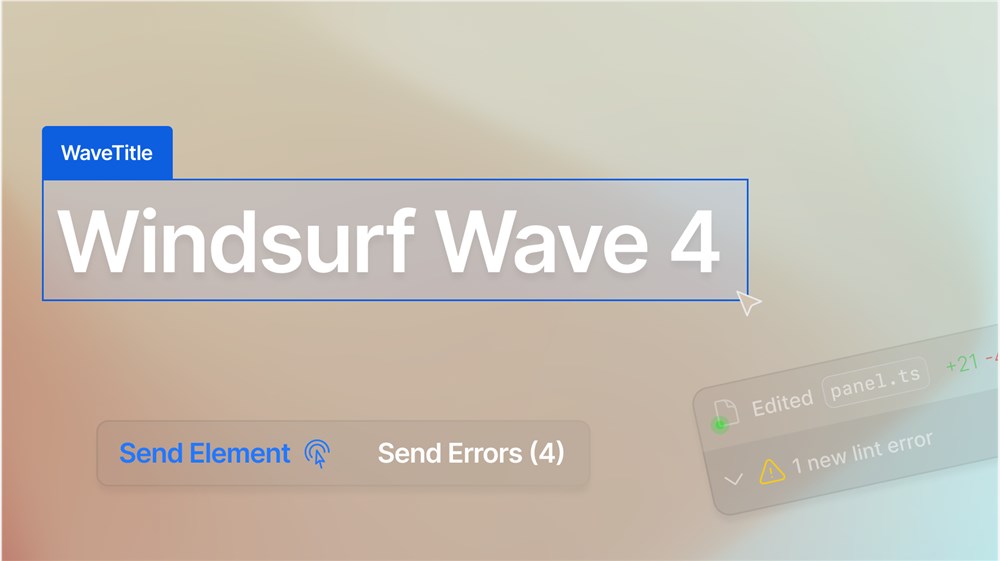
On March 5, 2025, the Windsurf team officially released the latest version of its AI-powered integrated development environment (IDE) - Windsurf Wave4. This update has sparked heated discussions in the developer community and is considered another masterpiece of Windsurf's continuous innovation in the field of AI programming tools. Based on the latest posts and user feedback on the X platform, this article will comprehensively sort out the core highlights of Windsurf Wave4 and analyze how its new features bring a smoother and more efficient coding experience to developers.
The release of Windsurf Wave4 continues the iteration rhythm of previous versions, not only optimizing existing features, but also introducing a series of exciting new features. The main highlights of this update include the following eight aspects:
First, Windsurf Wave4 has a revolutionary interactive preview feature built in. When users deploy applications locally, they can directly click on components on the interface, and the system will automatically send relevant console errors or context information to Windsurf's AI assistant Cascade without manually copying and pasting. This greatly simplifies the debugging and modification process, especially when dealing with high-fidelity prototypes or design drawings. X user @oran_ge said: "Recently everyone has been using Claude 3.7 to generate prototypes, but modifying elements is troublesome to describe. Wave4's preview feature perfectly solves this pain point."
Secondly, the newly added Tab-to-Import function allows developers to quickly import required modules or libraries through simple Tab key operations. This function further improves the efficiency of code completion and makes the process of writing code smoother.
In addition, Wave4 strengthens integration with code inspection tools (Linter) to detect potential problems in the code in real time and provide optimization suggestions to help developers maintain code quality during the writing process.
Cascade Smart Assistant can now actively provide operational suggestions based on the context, such as fixing errors, optimizing code structure, etc., allowing developers to solve problems faster.
Support for Model Context Protocol (MCP) has been further enhanced, allowing users to more easily configure and discover external data sources, making AI assistants more flexible when dealing with complex projects.
Wave4 has added the function of dragging and dropping files, and users can drag files directly into the editor, further simplifying the operation process of multi-modal input, such as quickly uploading design files or code snippets.
For teams and enterprise users, Wave4 provides more detailed model option management functions, so administrators can better control the use permissions and resource allocation of AI models.
This update deeply integrates the latest Claude 3.7 Sonnet model, which significantly improves AI generation and context understanding capabilities. Whether it is generating code or debugging, the addition of Claude 3.7 has made Windsurf perform better.
The release of Windsurf Wave4 has attracted widespread attention on the X platform, with many users comparing it to another popular AI programming tool, Cursor. X user @AngryTomtweets even boldly declared: "RIP Cursor? Windsurf Wave4 takes coding to a whole new level." He pointed out that the intelligence and automation of the new features gave Windsurf the advantage in the competition.
On the other hand, user @_kaichen mentioned: "I switched to Cursor and Windsurf. After upgrading to Claude 3.7, the two agents occasionally reported errors and stuck." This shows that although Wave4 has brought significant improvements, there is still room for optimization in terms of stability.
In addition, @HeyAbhishekk highly praised Wave4's speed and intelligence: "AI encoding is now faster and smarter, and automatic repair, instant import and AI debugging make everything effortless." These feedbacks show that Windsurf Wave4 has indeed taken an important step in improving development efficiency and user experience.
The launch of Windsurf Wave4 is not only a technical upgrade, but also an exploration of the future development direction of AI programming tools. From the interactivity of preview features to the deep integration of Claude 3.7, Wave4 shows how to reduce the repetitive work of developers through AI technology, allowing them to focus on creative and advanced tasks. It is worth mentioning that Wave4 has also added a new Referral function, so users can share Windsurf through invitation links to further expand their community influence. This may imply the Windsurf team's confidence in the product and expectations for user growth.
However, Wave4 is not perfect. As the Agent stability issue mentioned by some users, Windsurf also needs to put more effort into performance optimization while pursuing functional innovation. In the future, with the further development of AI models and the accumulation of user feedback, Windsurf is expected to occupy a more stable position in the competition with competitors such as Cursor.
The release of Windsurf Wave4 brings developers a smarter and more efficient programming environment. From the convenience of preview functionality to the smooth operation of Tab-to-Import, to the powerful support of Claude 3.7 Sonnet, this tool is redefining the AI-assisted coding experience. For programming enthusiasts and professional developers, Wave4 is undoubtedly worth a try. If you haven't experienced Windsurf yet, you might as well take this opportunity to download the latest version and experience how AI technology can help your coding journey. As the message conveyed by the hot discussion on X: Windsurf Wave4 is not only an upgrade of the tool, but also a microcosm of the future of programming. Let's wait and see how it rides the wind and waves in the wave of AI development in 2025!