How to delete the viewing history of Korean Drama TV. When using Korean Drama TV, many people know that watching a TV will be recorded. Many people do not want to be recorded and want to know how to delete the viewing history. Let’s take a look below.
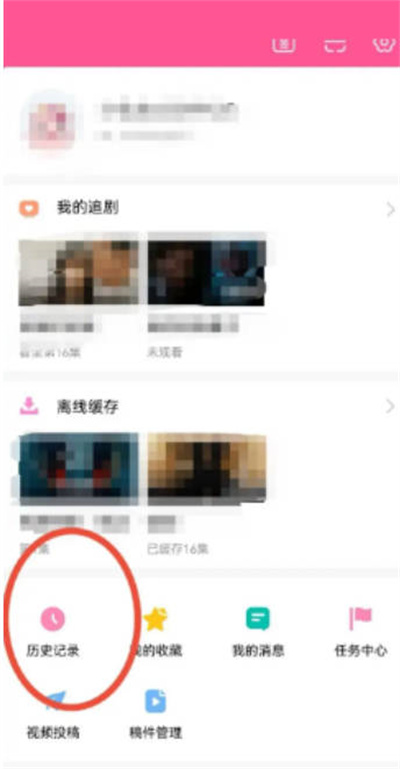
We open the Korean drama tv software, and then we click on My Functions in the lower right corner. You can see the history function on this page.
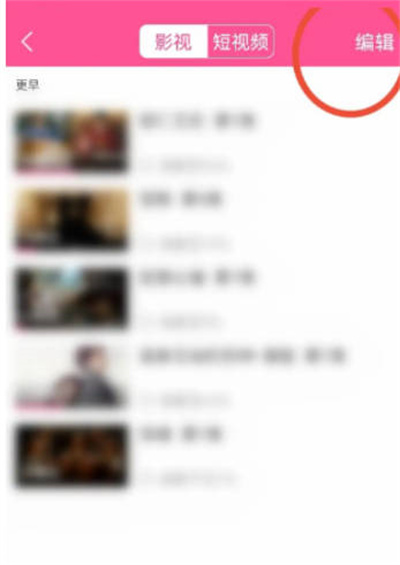
In the second step, click Edit
When we enter the history page, we can click the edit function in the upper right corner.
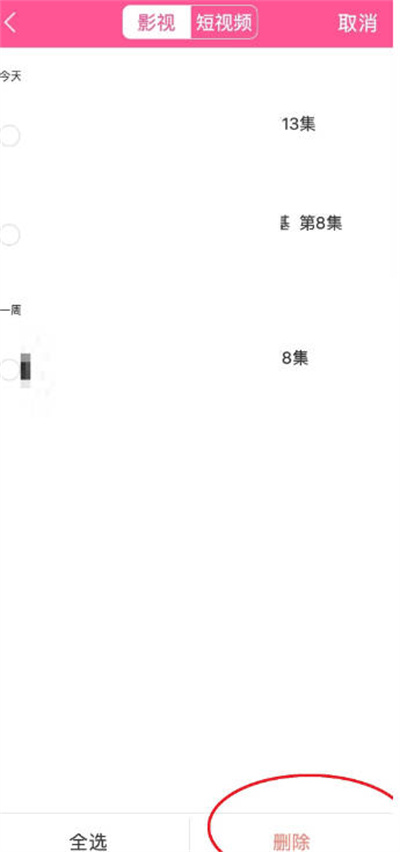
Step 3: Delete the record
After clicking Edit, a small circle will be generated in front of the TV with historical viewing records. Clicking the small circle will select the TV, find the TV you want to delete, and then click Delete in the lower right corner.