
AbletonMCP, a revolutionary music production tool, successfully seamlessly connects music production software Ableton Live with artificial intelligence Claude AI through an innovative Model Context Protocol (MCP). This integration not only brings unprecedented convenience to music production, but also opens a new era of prompt-based music creation. Users can realize complex operations such as audio track production and live conversation control through simple instructions, greatly improving the efficiency and flexibility of music creation.
The core architecture of AbletonMCP consists of two key components: Ableton remote scripting and MCP server. Ableton Remote Script is a MIDI remote script designed for Ableton Live that is responsible for creating a socket server to receive and execute commands. The MCP server is a server written in Python, implements the model context protocol and is closely connected to Ableton remote scripts. This dual-component design ensures the stability and efficiency of the system, providing users with a smooth music creation experience.
In terms of installation and configuration, AbletonMCP has certain requirements for the user's system environment. Users need to make sure that Ableton Live 10 or later is installed on their device, as well as Python 3.8 or later. In addition, users also need to install the uv package manager to ensure the normal operation of the system. For Mac and Windows users, AbletonMCP provides detailed installation guides to ensure users of different operating systems can use the tool smoothly.
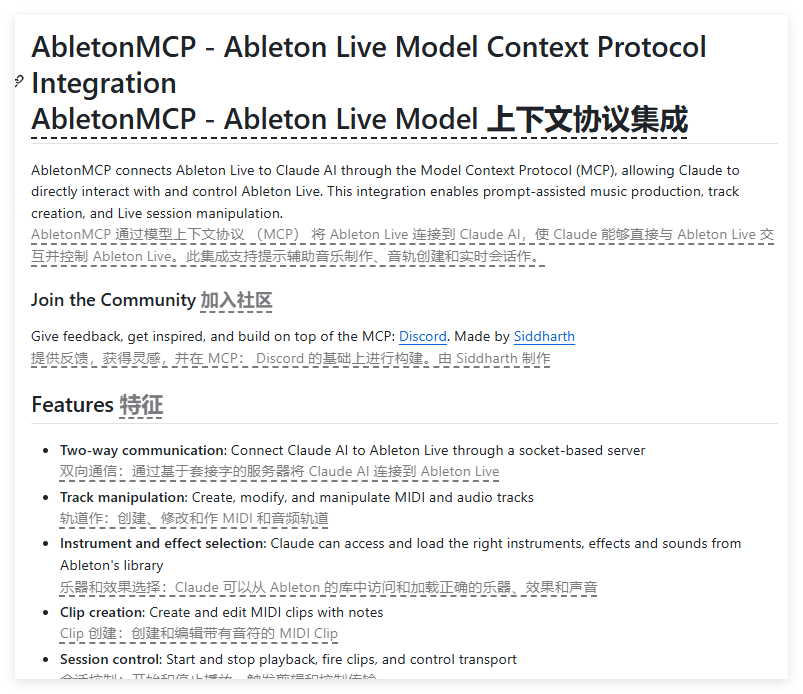
After the installation is complete, users can configure the MCP server to Claude Desktop or Cursor through the settings options of Claude. When the user interacts with Claude, the system automatically establishes a connection and displays a tool icon on the interface, indicating that the Ableton MCP function has been successfully enabled. At this time, users can use Claude to perform a variety of operations, such as creating and modifying audio tracks, loading instruments and effects, controlling playback, etc., which greatly simplifies the process of music production.
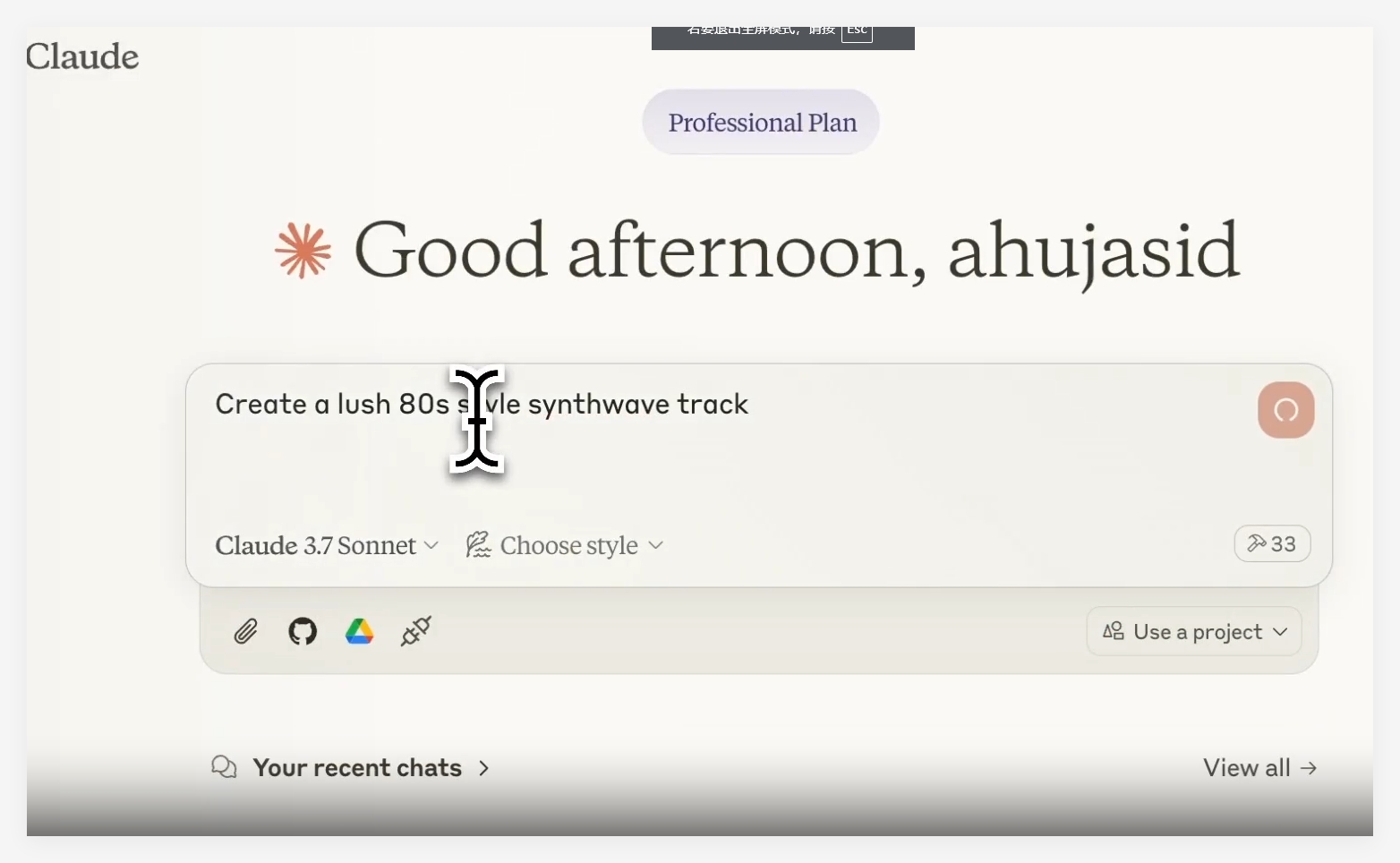
In actual operation, users can achieve complex music creation by issuing various instructions to Claude. For example, users can ask Claude to create a 80s-era music or add a reverb to a drum track. Through these instructions, Claude can obtain session and track information, control playback, create and edit MIDI clips, etc., greatly improving the flexibility and convenience of music production.
When using AbletonMCP, users need to be careful to ensure that the Ableton remote script is loaded correctly and that the MCP server is successfully configured. If you encounter connection problems, it is recommended that the user restart Claude and Ableton Live to restore normal state. In addition, it is recommended that users break down the task into smaller steps before starting complex music choreography to reduce possible errors and ensure the smooth progress of the music production process.
Project entrance: https://top.aibase.com/tool/abletonmcp
Key points:
AbletonMCP connects Ableton Live with Claude AI through the Model Context Protocol (MCP), bringing a whole new way to music creation.
The system consists of two parts: Ableton remote script and MCP server, supporting a variety of audio tracks and editing operations, greatly improving the flexibility and convenience of music production.
Users can interact with Ableton through Claude, execute instructions to control the music production process, and achieve efficient music creation.