
AI character creation tool Hedra has launched the highly anticipated voice cloning feature to bring users a more realistic and convenient character creation experience. Just record a small amount of audio to easily clone personal sounds and apply them to created characters, significantly enhancing the interactivity and realism of the characters. However, this feature is only available to paid users, with a minimum monthly fee of $10, which may limit access to some users.
Recently, the popular AI character maker Hedra has announced an exciting new feature – voice cloning!
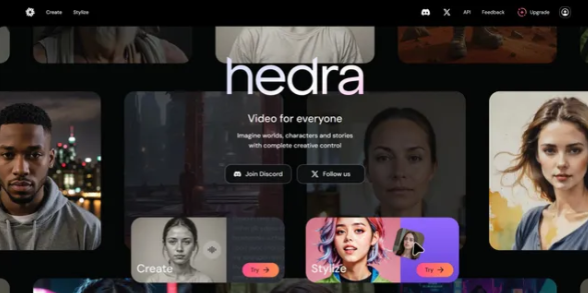
Now users can clone, store and apply it to any character you create or upload by simply recording a small piece of their own voice on the platform. However, this new tool is only available to paid users, with a minimum subscription fee of $10 per month.
The operation of Hedra is easy to understand, which is also a highlight of it. In comparison with Runway and Kling, Hedra performed excellently in terms of lip shape and produced a very accurate mouth movement.
To experience the Hedra function, first, you need to register and log in to enter the creation page. Here you will see three main panels. The first panel is used to process text and voice audio, the second is to manage character images, and the last panel is to output the result after the synthesis.
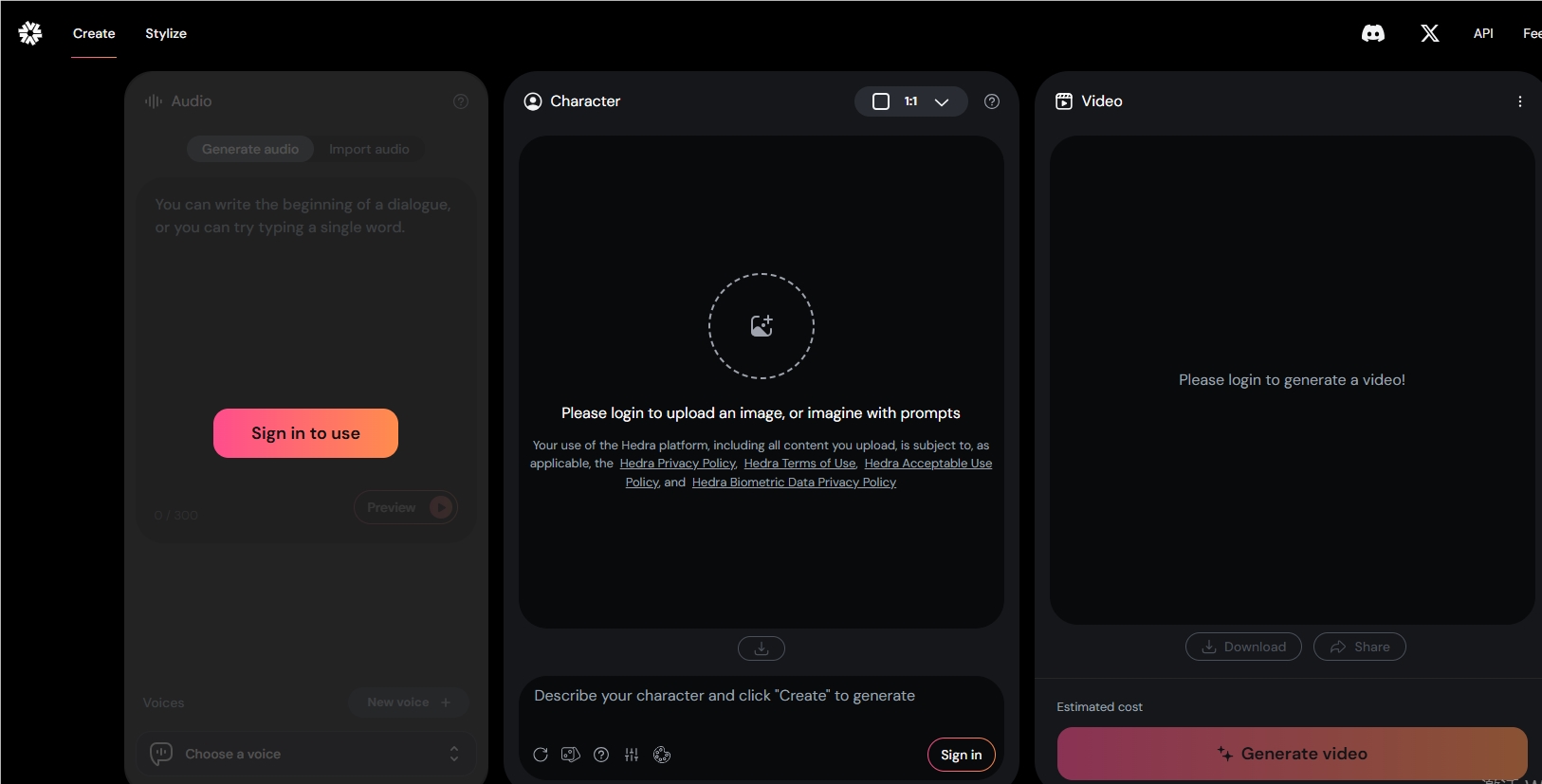
The first step in voice cloning is to click the "New Sound" button to record your own sound. With just three lines of text, the platform can create a fairly accurate voice clone for you. Of course, you can also choose to upload or record an audio script on site, or use the sound provided by the platform.
Once the audio processing is complete, a character image can be uploaded or created. One tip here is to try the image generator more because it works great. The basic model Hedra uses is StableDiffusion, and if you want more realistic characters, you can also upgrade to the Advanced Plan and select the Flux Realism settings. The result was amazing and almost difficult to distinguish from the real face. Although the video was slightly insufficient in clarity, the lips and facial movements were excellent.
However, it is recommended not to try using animal characters, as the effect of lip synchronization is not satisfactory.
The basic advanced plan allows 20 minutes of video to be generated per month, with up to 1 minute of a single video, and has a watermark-free voice cloning feature. That price is fair, although it would be even more perfect if the company could offer a short voice clone feature in the free watermark plan.
Key points:
The voice cloning feature launched by Hedra is only available to paying users, with a minimum monthly fee of $10.
Just record three lines of text to accurately clone your own voice, which is simple and easy to use.
The image generator works well, and the generated characters are almost indistinguishable from real human faces, but the lip synchronization effect of animal characters is poor.
All in all, Hedra's voice cloning capabilities bring new possibilities to AI character creation, but the paid model may limit the experience of some users. Its ease of use and high-quality image generation are still commendable.