
This article takes an in-depth look at the applications of text-to-speech (TTS) AI tools, how they work, the best products on the market, and a selection guide. From assisted reading to professional content creation, TTS technology has been widely used in various fields, providing convenience to different groups of people. The article introduces the workflow of TTS tools in detail, including text analysis, speech synthesis and speech output, and analyzes its value in aspects such as personalized voice experience, multi-language support and emotional expression.
Text-to-Speech (TTS) AI tool is a technology that can convert written text into spoken language. It is widely used in many fields such as assisted reading, education, entertainment and accessibility services. By simulating human speech, these tools provide a natural and smooth reading experience, helping users access information when they are unable to read or require hearing support. Text-to-speech technology is particularly important in education, helping students with dyslexia provide a multi-sensory learning experience. At the same time, text-to-speech technology is also an extremely important auxiliary tool for the elderly and the visually impaired.
Price-wise, the choice of text-to-speech tools is wide ranging, ranging from free basic versions to feature-rich premium subscription services. The free version usually provides basic voice conversion functions to meet the needs of general users, while the premium version may provide more advanced features such as voice options, speech speed adjustment, and emotional expression, and is suitable for professional or enterprise users. The prices of these paid versions usually vary based on the complexity of the features and frequency of use, allowing users to choose the most appropriate service based on their needs and budget.
The working principle and value of text-to-speech AI toolsHow text-to-speech AI tools work typically involves a few key steps. The first is text analysis, which is to perform grammatical and semantic analysis of the input text to determine the structure and intent of the text. Next comes speech synthesis, which uses complex algorithms to convert the parsed information into speech signals. These algorithms usually include phoneme generation, pitch and rhythm adjustments to ensure naturalness and coherence of speech. Finally, there is speech output, where the synthesized speech is played through speakers or headphones.
The value of these tools lies in their ability to provide personalized voice experiences, including different intonations, speeds, and voice options to suit different user preferences. For example, for scenes that require emotional expression, such as audiobooks or commercial dubbing, advanced text-to-speech tools can simulate speech in different emotional states to enhance the listener's experience. In addition, these tools support multiple languages and dialects, greatly expanding the reach of voice services and enabling more users to communicate and learn in their native language or familiar dialects.
Explore the best text-to-speech AI tools on the marketThis article will deeply explore the best-performing text-to-speech AI tools on the market and analyze their features and functions. These tools typically feature a high degree of natural speech, accurate pronunciation, and broad language support. Some tools also offer advanced features such as emotion expression, voice cloning, and real-time voice conversion to meet the needs of professional users. These tools are targeted at the visually impaired, educators, content creators, and enterprise users, and they provide great convenience and value to these groups.
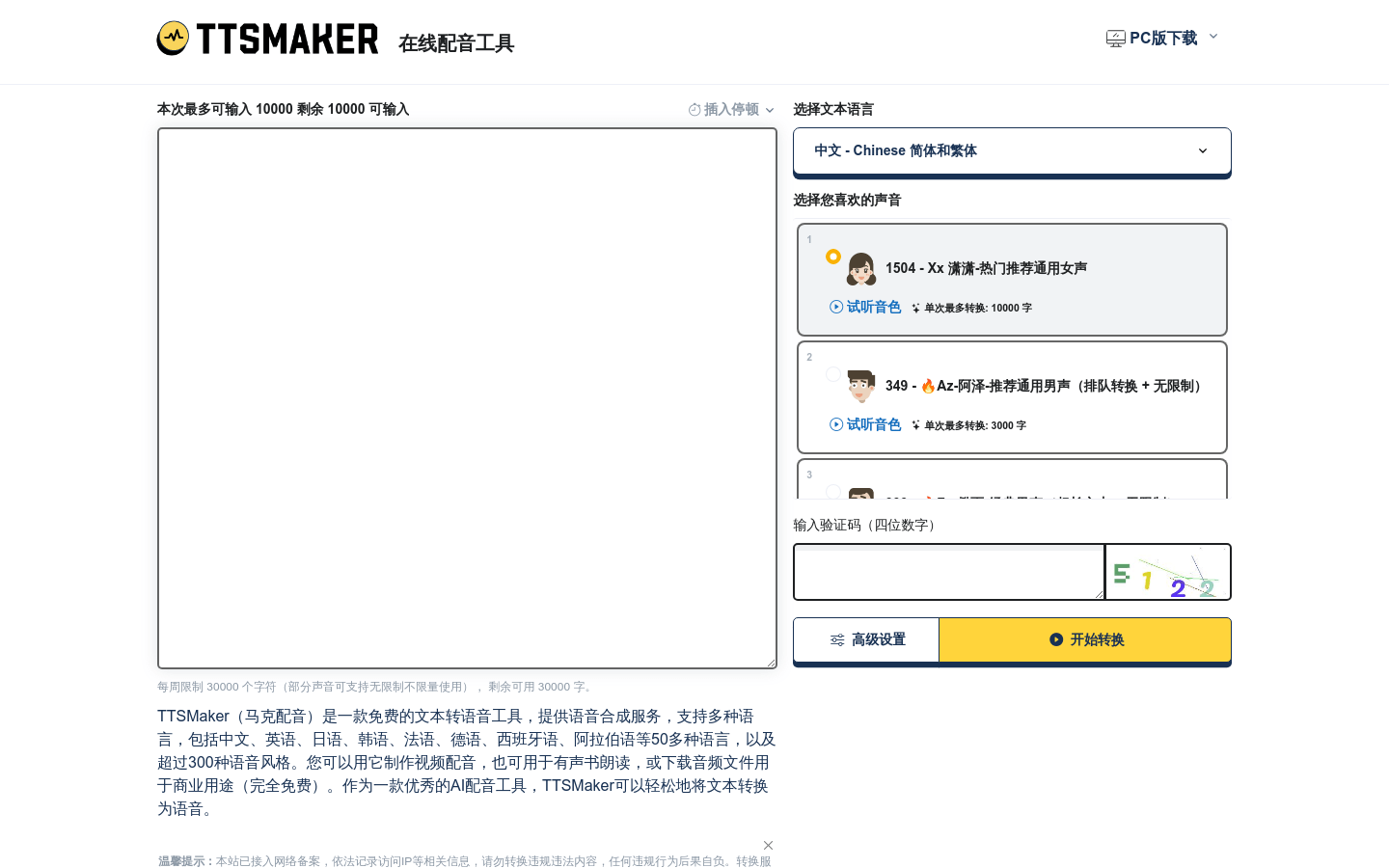
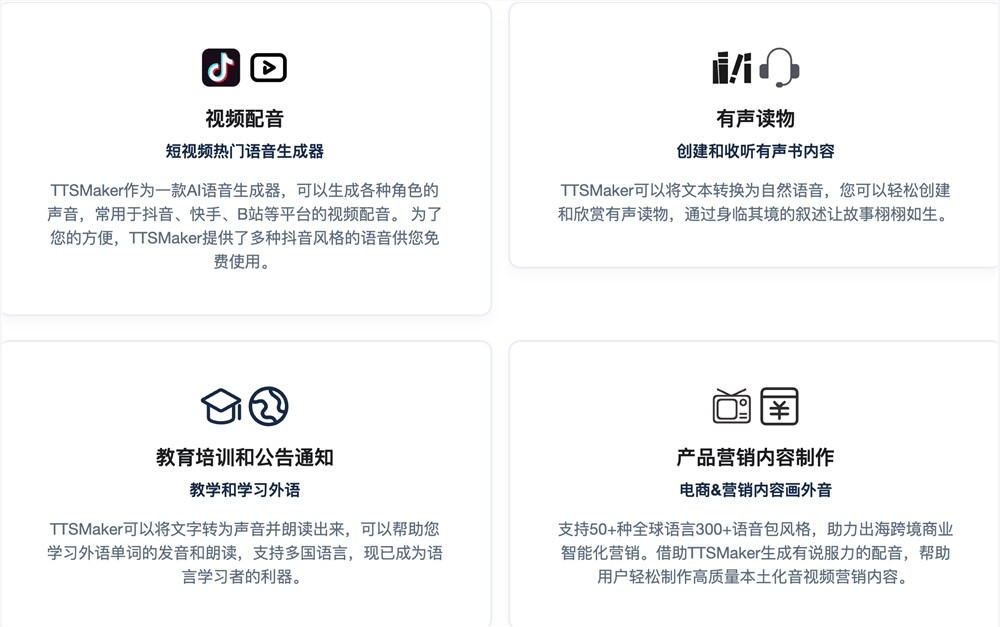
TTSMaker (Mark Dubbing): Online text-to-speech platform, AI dubbing artifactTTSMaker (Mark Dubbing) is an online text-to-speech platform that easily converts text into audio through AI artificial intelligence algorithms. It supports more than 50 languages and more than 300 voice package styles, and is suitable for various scenarios such as video dubbing, audio books, education training, and product marketing. Users can use TTSMaker to synthesize speech for free, and own 100% copyright of the synthesized audio files, which can be used for any legal commercial purpose.
View more "TTSMaker (voiced by Mark)" introduction:TTSMaker
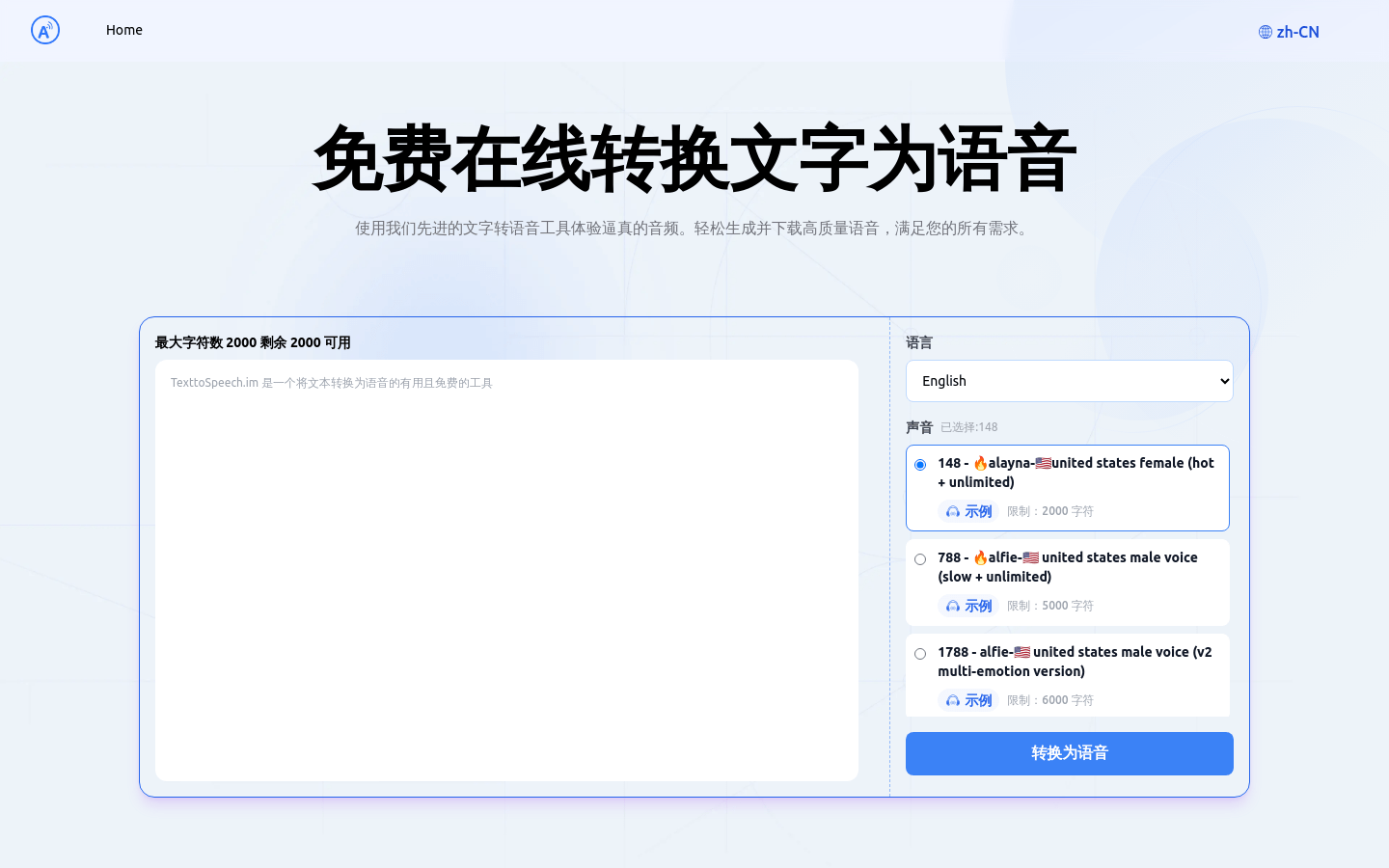
Functions and Features 1. Multi-language support: TTSMaker supports more than 50 languages and more than 300 voice pack styles to meet different language and sound needs. 2. Rich AI voice styles: Provides a variety of AI voice styles, including children's voices, dialects, standard male and female voices, etc. 3. Custom settings: Allow users to customize speaking speed, volume, pitch and paragraph pause time to adapt to different scenarios. 4. Inserting pauses: Supports inserting pauses of a specific length to enhance the naturalness of speech expression. 5. Background music: Users can upload background music and add personalized background music to synthesized speech. 6. Permanently free: Provides a permanently free service, and users can use some sounds for conversion without restriction. Use the tutorial steps to visit the TTSMaker website and register an account. After logging in, enter the text that needs to be converted into speech, making sure not to exceed the free quota of 30,000 characters per week. Select the language corresponding to the text and your preferred voice style, and click Advanced Settings to adjust the speaking speed, volume, pitch, etc. Click the "Start Conversion" button and TTSMaker will start converting text to speech, which may take a few minutes. After the text is converted to speech, you can play the synthesized voice online or download the audio file. If you need background music, you can upload BGM and choose the appropriate audio format, such as mp3, OGG, AAC, OPUS or WAV. Use the audition mode in the advanced settings to convert only the first 50 characters to save credit. As needed, you can apply for temporary character quota to meet higher conversion needs. Free online text-to-speech conversion (TextToSpeech.im): an efficient tool for converting text into realistic speechFree online text-to-speech conversion (TextToSpeech.im) is an efficient online text-to-speech tool that uses artificial intelligence technology to convert text into lifelike speech. It supports multiple languages and voice styles and is suitable for various scenarios such as advertising, video narration, and audiobook production. Key product benefits include enhanced accessibility, cost-effectiveness, multiple voice options, convenient offline downloads, and high-precision speech synthesis.
View more "TextToSpeech.im" introduction:TextToSpeech.im
Functions and features 1. Multi-language support: Supports multiple languages and voice styles to meet different user needs. 2. Realistic voice effects: Provides realistic voice effects, suitable for advertising, video narration and other scenes. 3. Customized speaking speed and volume: Supports customizing speaking speed and volume to adapt to different preferences. 4. Online listening and downloading: Allow users to listen online and download the generated voice files. 5. High-precision speech synthesis: Supports high-precision speech synthesis to ensure a high degree of match between the audio and the original text. 6. Cross-device use: Cross-device use makes it convenient for users to access and use it on different devices. Visit the TextToSpeech.im website using the tutorial steps. Select language and sound options. Enter the text content that needs to be converted to speech. Adjust speaking speed and volume according to personal preference. Click the "Generate" button to start the conversion process. After the conversion is completed, listen to the generated speech online. Once satisfied, download the generated voice file for offline use. iFlytek: One-stop AI dubbing and content creation platformiFlytek is a one-stop AI dubbing and content creation platform launched by iFlytek, which uses advanced artificial intelligence technology to provide users with multi-functional services such as audio and video production, virtual human image construction, and AI driving. The product continues to improve in multi-modal perception, multi-dimensional expression, emotional penetration, and independent definition, and is committed to making virtual people become human partners.

View more introductions to "iFlytek Smart Works": iFlytek Smart Works
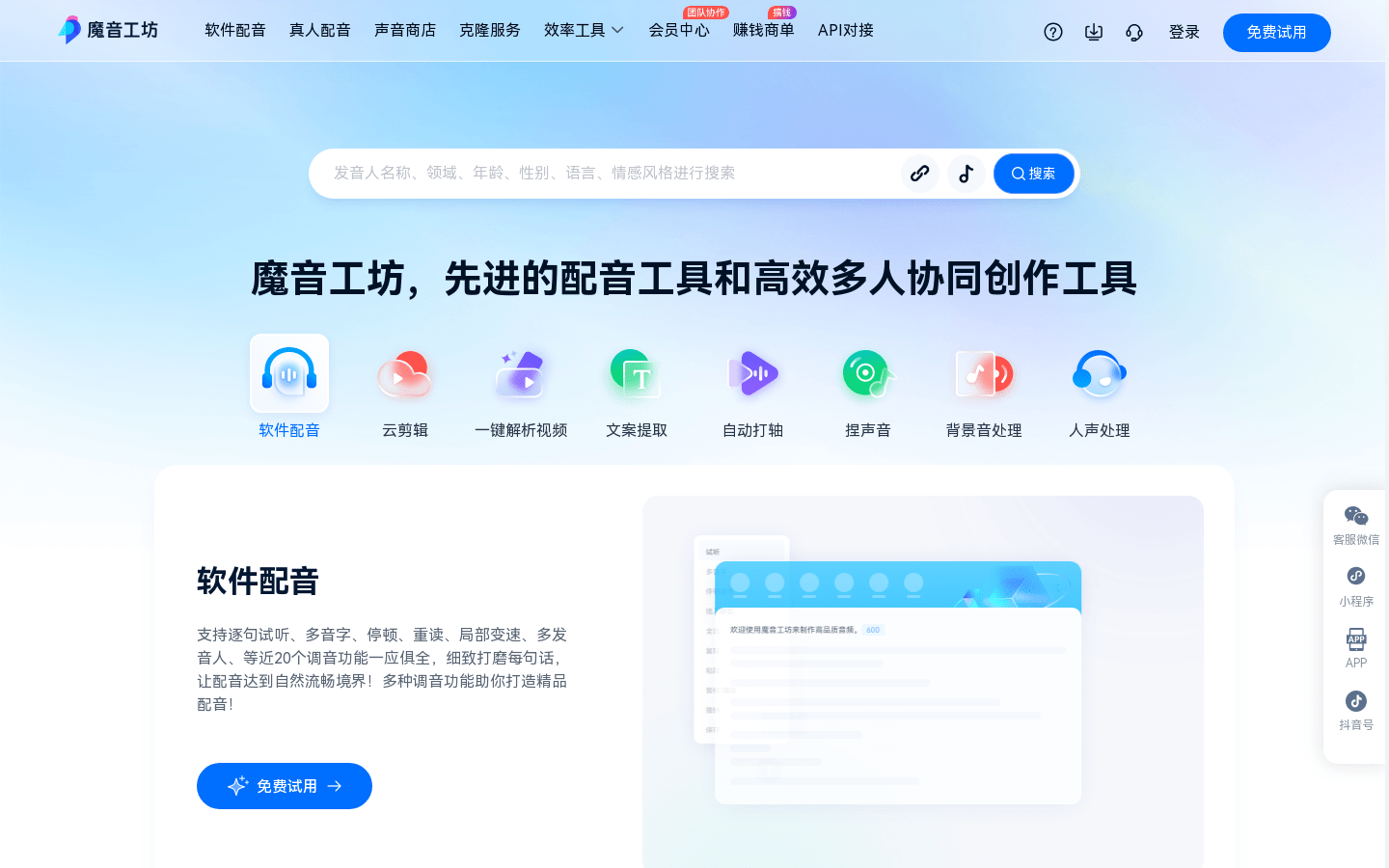
Functions and features 1. One-click audio and video generation: input text or recording to quickly generate audio and video works. 2. Multi-image and multi-sound library: Provides sound libraries of multiple emotions and languages to meet the needs of different style scenes. 3.AIGC+Intelligent Editing: Combined with intelligent editing technology, it improves the efficiency and quality of creative realization. 4. Virtual human image construction: Provide virtual human image construction services to achieve personalized customization. 5. AI driven: Use AI technology to realize intelligent interaction and live broadcast of virtual humans. 6. API access and multi-scenario solutions: Support API access and provide solutions for multi-industry scenarios. Use the tutorial steps to visit the official website of iFlytek or download the APP. Register and log in to your account to start exploring the world of AIGC content creation. Choose a suitable virtual anchor image and voice style. Enter text or upload a recording, and select options to generate audio and video. Use the smart editing function to edit and optimize the generated content. When you're done editing, preview and publish your work. Use API access or customized services to expand application scenarios as needed. Magic Sound Workshop: Advanced short video/audiobook AI dubbing platformMagic Sound Workshop is a professional short video and audiobook AI dubbing platform, providing real-person dubbing, sound store, cloning services, etc. It uses advanced technology to make dubbing work more efficient and personalized. The platform supports a variety of dubbing functions, such as sentence-by-sentence audition, multi-phonetic characters, pauses, stress, etc., helping users carefully polish each sentence to achieve a natural and smooth dubbing effect. In addition, it also provides auxiliary functions such as copywriting generation and video cloud editing to meet users' diverse needs in content creation.
View more introduction to "Magic Sound Workshop": Magic Sound Workshop
Use the tutorial steps to visit the official website of Magic Sound Workshop or download the APP, register and log in to your account. Choose the dubbing type according to your needs, such as real-person dubbing, AI dubbing, etc. Choose a voice style, language, dialect, and more to customize your voice. Use the tuning function to carefully polish the dubbing content, such as adding pauses, re-reading, etc. Use auxiliary functions such as copywriting generation and video editing to complete content creation. When multiple people collaborate, invite team members, set permissions, and complete the project together. Tencent Zhiying AI Platform: One-stop intelligent video creation toolTencent AI to text is an intelligent text-to-text platform launched by Tencent, which supports rapid text conversion and subtitle generation of audio and video content. The platform combines many of Tencent's advanced technologies to provide efficient and accurate text conversion services, suitable for text conversion needs of various audio and video contents. The core advantage of the product lies in its efficient text conversion algorithm and precise text recognition, which ensures the high quality and accuracy of the output text.
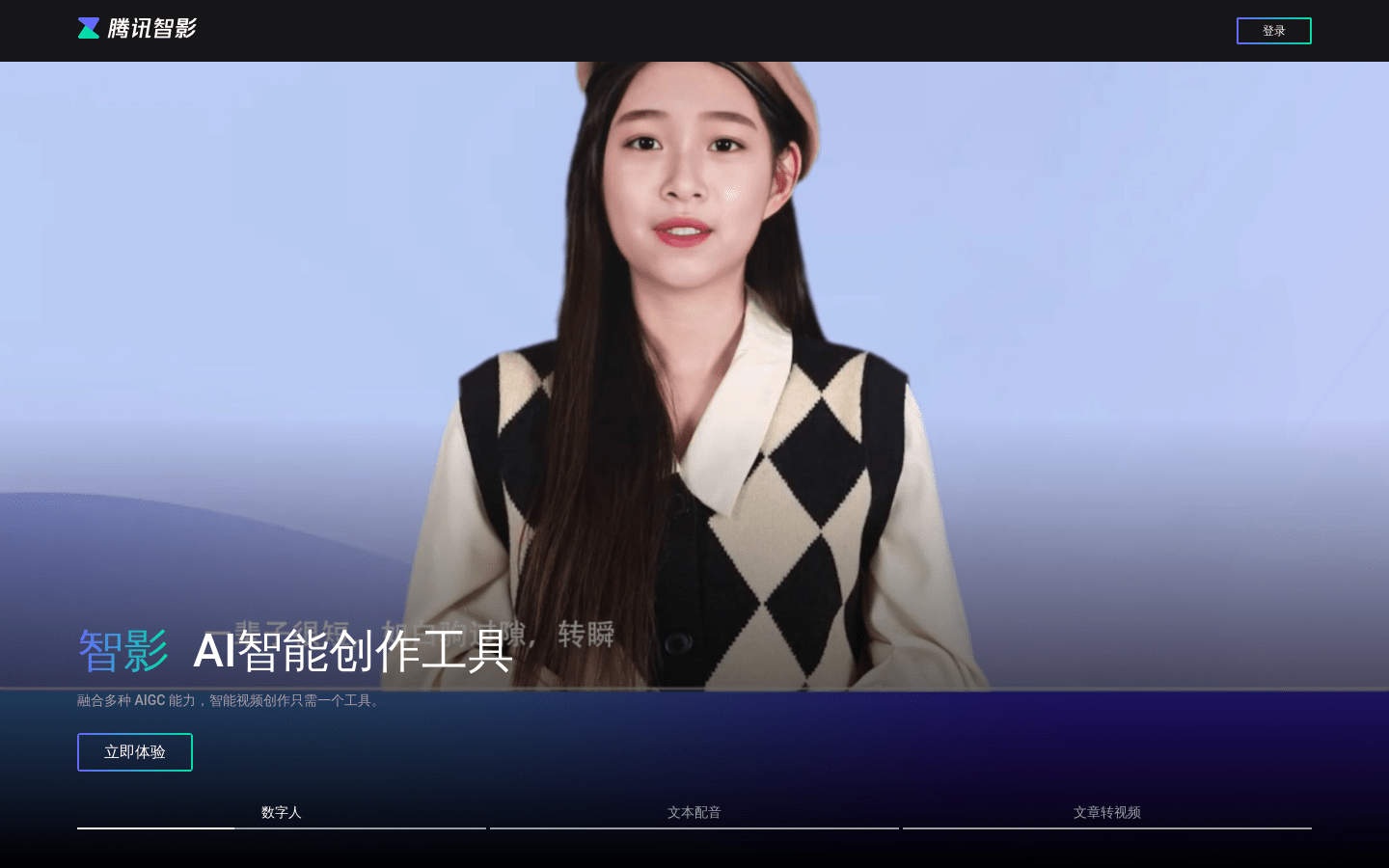
View more introduction to "Tencent Zhiying AI Platform":Tencent Zhiying AI Platform
Use the tutorial steps to access the Tencent Zhiying AI platform website. Register and log into your account. Choose functions such as digital human, text dubbing, or article-to-video conversion according to your needs. Enter or upload the appropriate text content. Select or customize the corresponding digital human image or voice-over style. Use the template materials provided by the platform for video editing. Optimize videos with features like smart erasure, subtitle recognition, and more. When you're done creating your video, export and share it. Guide to selecting and using text-to-speech AI toolsWhen choosing a text-to-speech AI tool, users need to consider many factors, including the tool's functionality, voice quality, price, and ease of use. Different user groups may have different needs for these factors, so choosing the right tool is crucial.
Functional requirementsFunctionality is the primary consideration when choosing a text-to-speech tool. Users need to choose tools with corresponding functions based on their specific needs. For example, users who need multi-language support should choose a tool that supports multiple languages, while users who need emotional expression and voice cloning capabilities should choose a tool with these advanced features. In addition, for professional users who need to use it frequently, tools that support API access and automation functions are more suitable.
Voice qualityVoice quality directly affects user experience and content professionalism. Users should choose tools with natural and smooth speech and accurate pronunciation. By listening to speech samples provided by different tools, users can evaluate their voice quality and choose the tool that best suits their needs.
pricePrice is also an important factor to consider when choosing a text-to-speech tool. Users should choose the right tool based on their budget. For those on a budget, there are tools that offer free services or affordable basic versions. For users with higher needs, you can choose a feature-rich premium subscription service.
Ease of useEase of use includes the tool’s interface design, operation process, and usage experience. Users should choose tools with simple interfaces and easy operation to improve usage efficiency and experience. Trying out free or demo versions of different tools can help users understand their ease of use and make more informed choices.
Summary and OutlookAs an important assistive technology, text-to-speech AI tools have shown great value in many fields such as education, entertainment, and accessibility services. As technology continues to advance, these tools will become more intelligent and natural, providing users with a better voice experience. By properly selecting and using text-to-speech tools, users can effectively improve the efficiency and quality of content creation and achieve wider applications and value. In the future, with the development of multi-modal fusion and personalization technology, text-to-speech tools will bring users a richer and more diverse experience and promote the further development and innovation of artificial intelligence in the speech field.
All in all, text-to-speech AI tools are constantly evolving to provide users with increasingly convenient and high-quality services. Choosing the right tool requires weighing features, price, voice quality, and ease of use based on your needs. I believe that in the future, with the advancement of technology, text-to-speech AI tools will bring innovation to more fields.