
Figma released a series of eye-catching updates at the recent Config conference, covering many aspects such as UI interface, AI tools and built-in slideshow functions, aiming to improve user design efficiency and experience. This update not only brings a new visual design, but more importantly, it introduces powerful generative AI capabilities, bringing revolutionary changes to the workflow of designers. From the new toolbar to 200 new icons, Figma strives to maintain professionalism while lowering the user's threshold to make the design process more convenient and smooth.
Figma announced a series of major feature updates at the Config conference, including a new UI design, new generative artificial intelligence tools, and built-in slideshow functionality. These updates are designed to provide users with smarter, more efficient design tools and experiences.
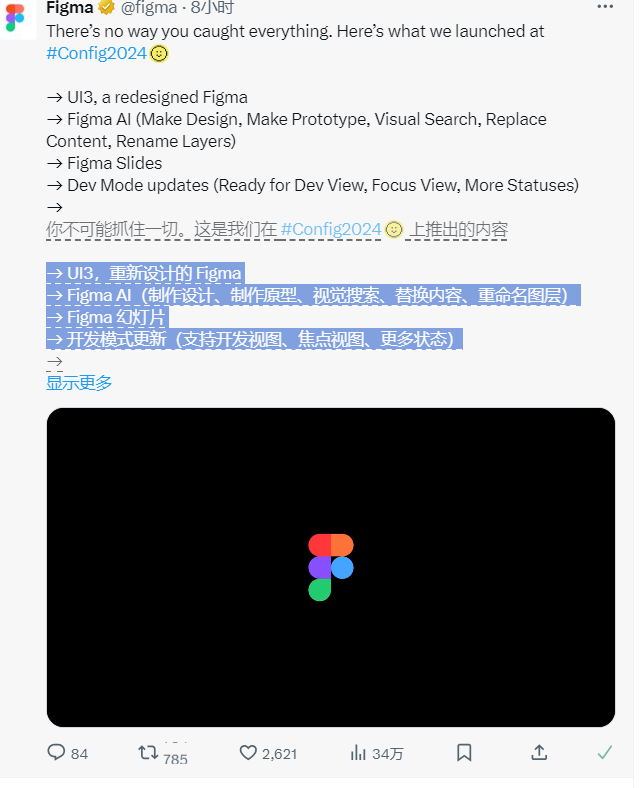
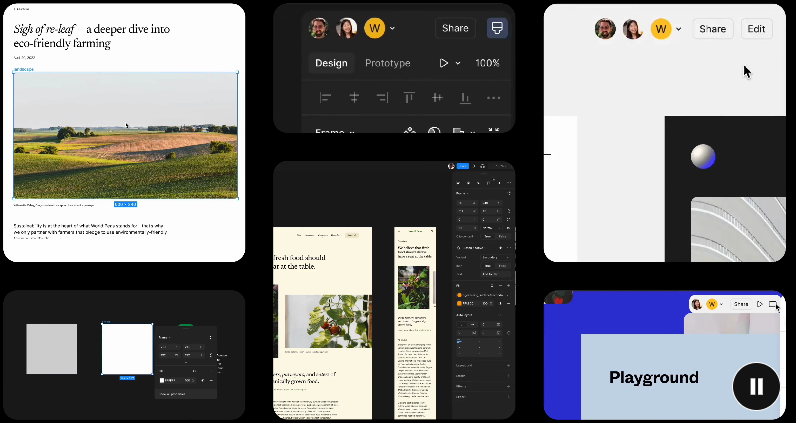
First up is a major overhaul of Figma, designed to lay the foundation for the next decade. The new design includes new toolbars, rounded corner elements and 200 new icons. The company hopes that through this design update, the canvas will focus more on the user's work, making it easier for new users to get started, while also meeting the needs of Figma experts.
Figma also introduces new generative artificial intelligence tools designed to help users get started with design projects more easily. These tools are similar to a “draft email” type of artificial intelligence, where the user only needs to enter a brief prompt and Figma can quickly generate a preliminary design.
In addition, Figma has launched features such as AI-enhanced resource search and automatic text generation to help speed up the design process. Figma AI can be used to create designs, prototype, visually search, replace content, rename layers, and more.
Figma has added a useful new feature: Figma Slides, similar to Google Slides, built directly into Figma. Not only can users adjust designs in slides in real time, but they can also showcase app prototypes directly from the slides.
Figma Slideshow will be available in a public beta starting on Wednesday and is still in free beta.
Highlights:
⭐ Figma launches a new UI design, which aims to focus more on the user's work, making it easy for new users to get started, while also meeting the needs of Figma experts.
⭐ Introducing generative artificial intelligence tools to help users start design projects more easily while speeding up the design process.
⭐ The new Figma slideshow function is built into Figma to facilitate users to create and display design works.
All in all, this update of Figma fully demonstrates its leading position in the field of AI-assisted design, bringing users a smarter and more efficient design experience. I believe that the addition of these new features will further enhance Figma’s competitiveness in the design field and bring more possibilities to designers.