
If I want to edit the command list in Dreamweaver cs5, how to delete the command? Let’s take a look at the detailed tutorial below.

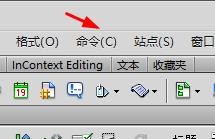
1. First, we can click the command button on the menu bar.
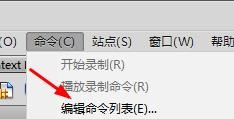
2. Then we click the Edit Command List command here.
3. Then we can see the Edit Command List dialog box.
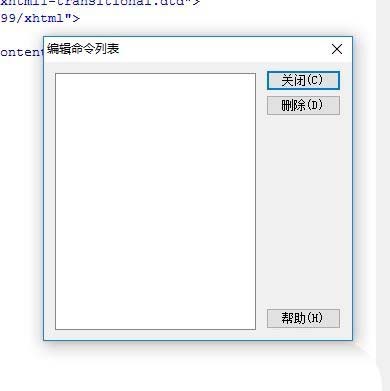
4. Then we can also delete existing commands.
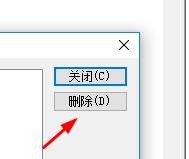
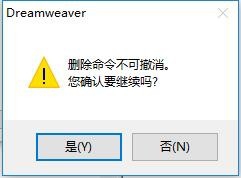
5. After clicking delete, you will be prompted that it cannot be recovered.
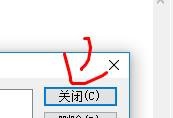
6. Finally, click Close after we finish editing.
The above is a tutorial on editing the command list in Dreamweaver. I hope you like it, and please continue to pay attention to downcodes.com.