
If I want to insert an AppLet type file in Dreamweaver, how do I insert it? Let’s take a look at the detailed tutorial below.

1. Under the Insert Media menu, we click the AppLet button .
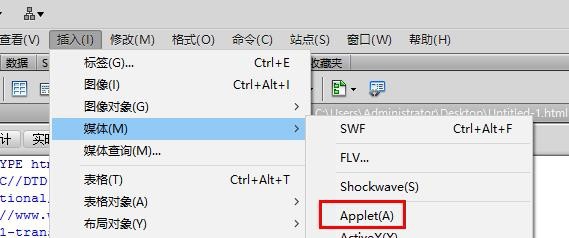
2. Then we can see the AppLet file selection page.
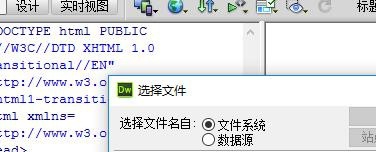
3. At this time we can also set the search range here.

4. After the range is set, we click this drop-down button to select the type.
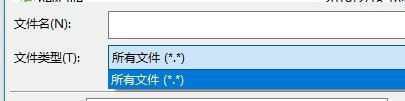
5. Or we can also obtain it from the Internet.

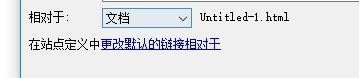
6. After entering the URL link , we can determine what object it is relative to here.
The above is the tutorial for inserting AppLet type files in Dreamweaver. I hope you like it. Please continue to pay attention to downcodes.com.