
When you use HTML div blocks and the middle of the blocks cannot be tightly connected, nothing can be done.
1. You can add one in the middle content of <head></head>
* {
margin:0;
padding:0;
}
Making the spacing between all blocks zero does not conflict with the padding margin below.
2. There is a gap problem between the upper and lower divs
I wrote 4 divs, distributed up and down, with spacing between them. The code and effect are as follows:
.div1{
height:100px;
background-color:blue;
position:relative;
}
.div2 {
height:100px;
background-color:blueviolet;
position:relative;
}
.div3{
height:100px;
background-color:red;
position:relative;
}
.div4{
height:100px;
background-color:yellow;
position:relative;
}
<body>
<div class="div1" ></div>
<div class="div2"></div>
<div class="div3"></div>
<div class="div4"></div>
</body>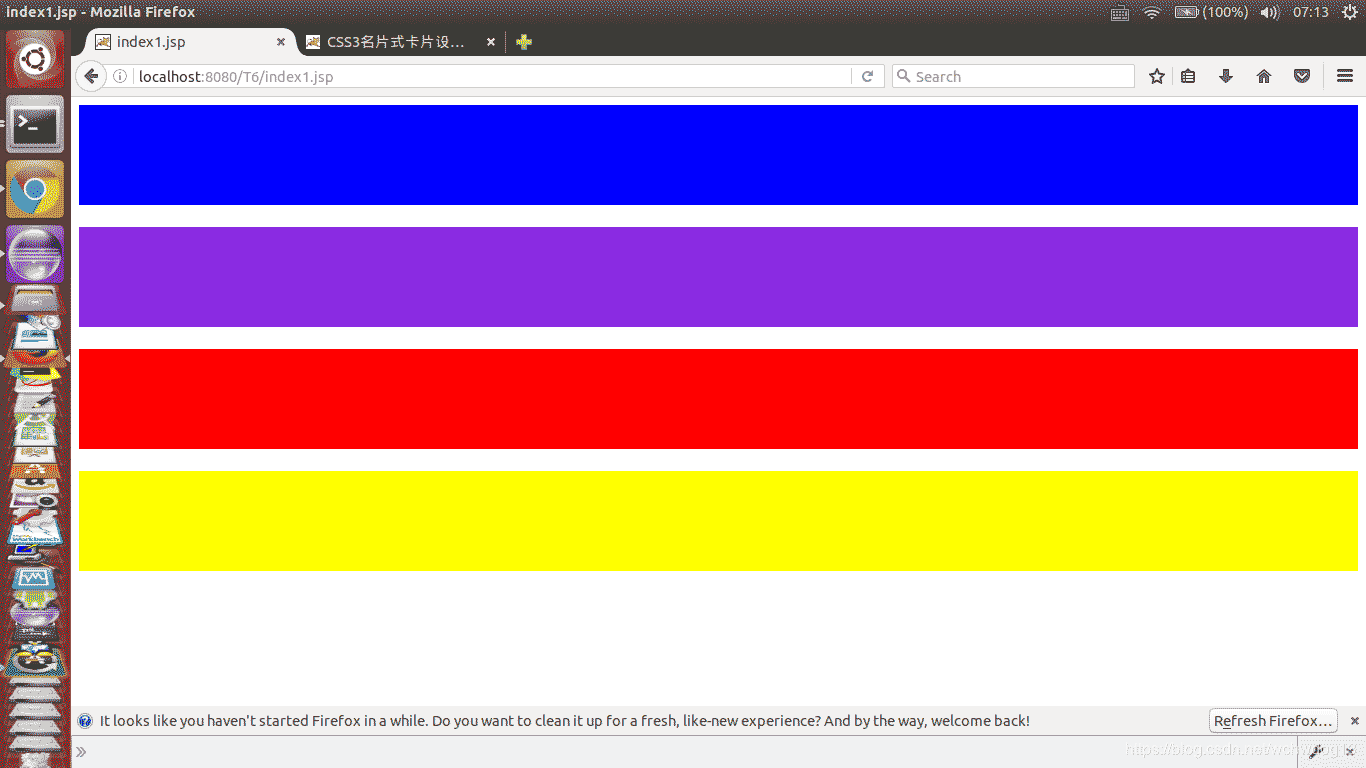
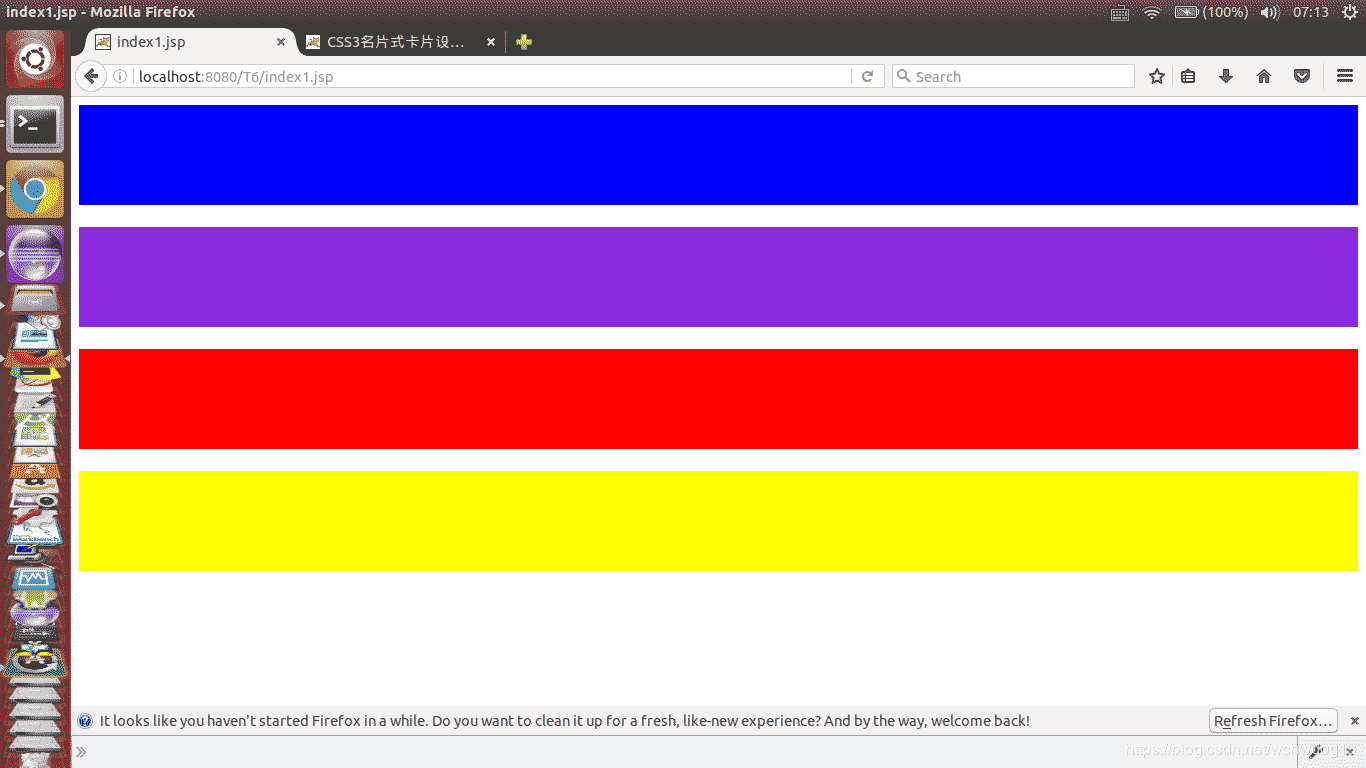
Then, I tried to add margin:0 to each div to remove the spacing between divs. The code is as follows:
.div1{
height:100px;
background-color:blue;
position:relative;
margin: 0;
}
.div2 {
height:100px;
background-color:blueviolet;
position:relative;
margin: 0;
}
.div3{
height:100px;
background-color:red;
position:relative;
margin: 0;
}
.div4{
height:100px;
background-color:yellow;
position:relative;
margin: 0;
}
The result remains unchanged, but there are still gaps, as shown below:
Next, I searched Baidu and found a way to set font-size. The following code and effect:
body{font-size:0;}
.div1{
height:100px;
background-color:blue;
position:relative;
}
.div2 {
height:100px;
background-color:blueviolet;
position:relative;
}
.div3{
height:100px;
background-color:red;
position:relative;
}
.div4{
height:100px;
background-color:yellow;
position:relative;
}
The above code focuses on adding body{font-size:0;}, and the effect is as follows:
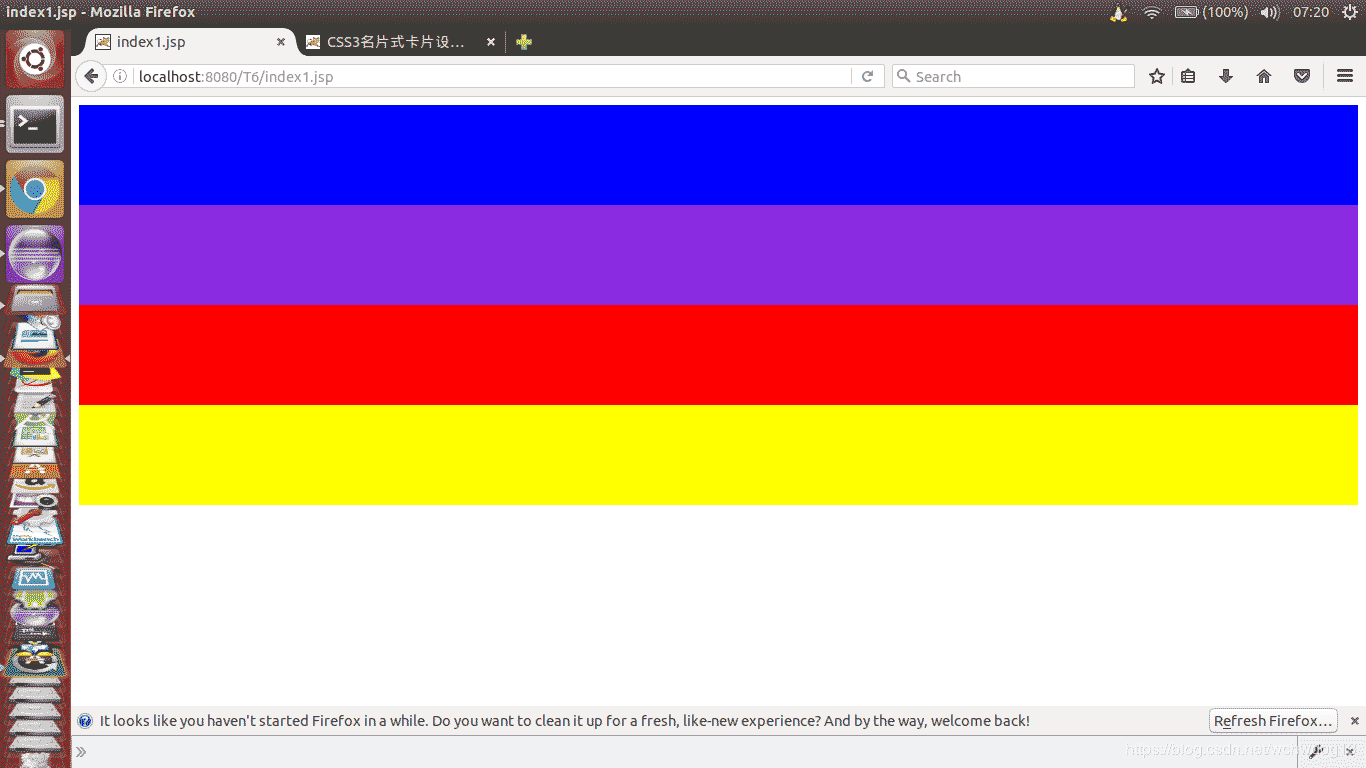
You can see that the gap between the top and bottom of the div has been eliminated. However, there is still a gap between the top and left.
This is what I did, adding body{margin:0px;}, the code is as follows:
body{margin:0px;}
body{font-size:0;}
.div1{
height:100px;
background-color:blue;
position:relative;
}
.div2 {
height:100px;
background-color:blueviolet;
position:relative;
}
.div3{
height:100px;
background-color:red;
position:relative;
}
.div4{
height:100px;
background-color:yellow;
position:relative;
}
The effect is as follows:
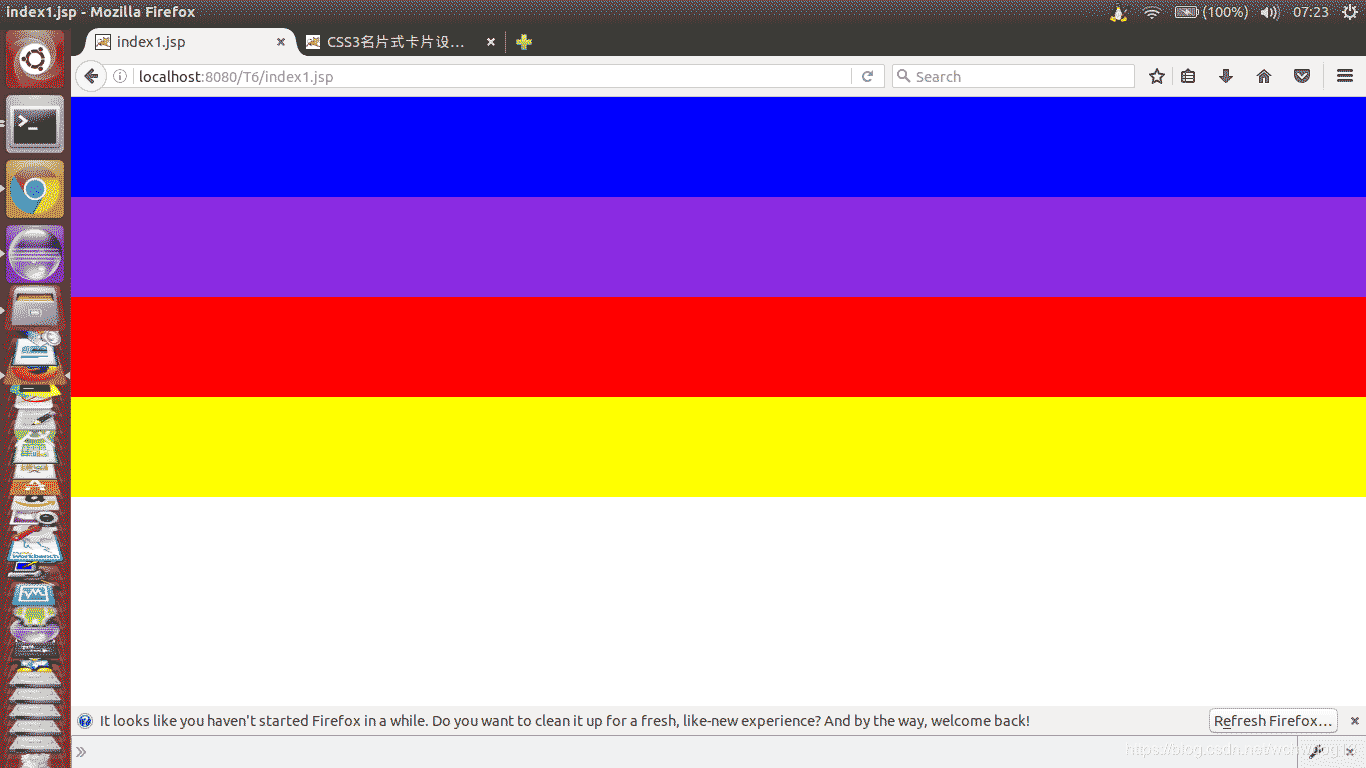
As you can see, all the gaps have been eliminated.
However, there is still a problem, that is, setting font-size:0; will cause all fonts to disappear.
This is how I solved this problem: add a div inside a div and reset the font size of the inner div, for example: font-size:30px;.
Perfect solution!
3. DIV+CSS clear: both clear the problem of creating a gap above the div after floating.
We know that sometimes using css float will produce css float. At this time, we need to clear the float. We can use the clear style attribute to achieve this.
However, after using clear:both to clear the floats, a white gap often appears above the div where clear:both is applied.
The solution is to add overflow:hidden; to the div above this div.
<div class="a hid">
<div class="bms_2_1_1 fl">~Crossing the ocean to see you,</div>
<div class="bms_2_1_2 fl"><img src="__STATIC__/images/male.png" width="18" height="18"/></div>
</div>
<div class="b cle hid">Beijing</div>
Style description:
.cle{clear:both;}
.hid{overflow:hidden;}
.fl{ float:left;}
.fr{ float:right;}
This is the way to solve the div gap caused by clear:both these days.
Why use clear:both in div? Mainly because the text in div b cannot be left-aligned even if text-align:left; is set in CSS, so clear:both is used in this case.
A few questions:
(1) Why is the text-align:left; of Chinese text in div invalid?
(2) Why can using clear:both solve the problem when text-align:left; is invalid?
(3) Why does using clear:both create gaps?
(4) Why does using overflow:hidden; in the same-level div above solve the gap problem below?
Let’s study the above issues in detail when we have the opportunity in the future.
Summarize:
When a div uses clear:both to create a gap, you need to add overflow:hidden; to the sibling div above it to eliminate the gap.