
Adobe Dreamweaver 2021, referred to as "DW 2021", is a professional website design software that can provide a flexible environment for processing various web documents. How to download and install DW2021? Let’s take a look at the detailed tutorial below.
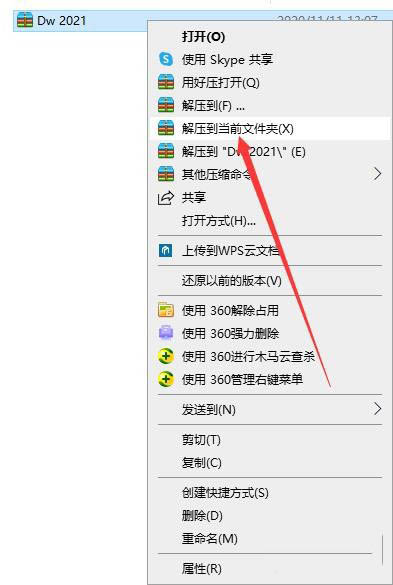
1. Download the [DW2021] compressed package and select it, right-click the mouse and select [Extract to current folder]
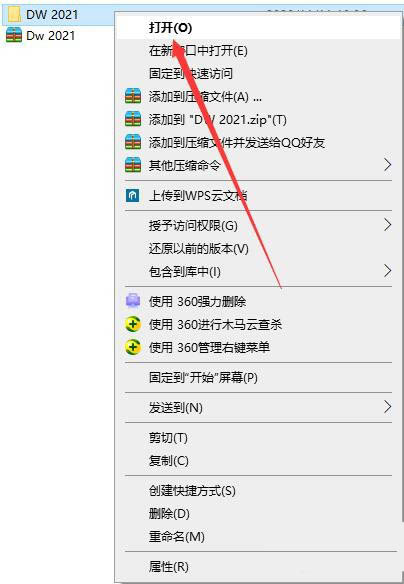
2. Double-click to open the decompressed [DW 2021] folder
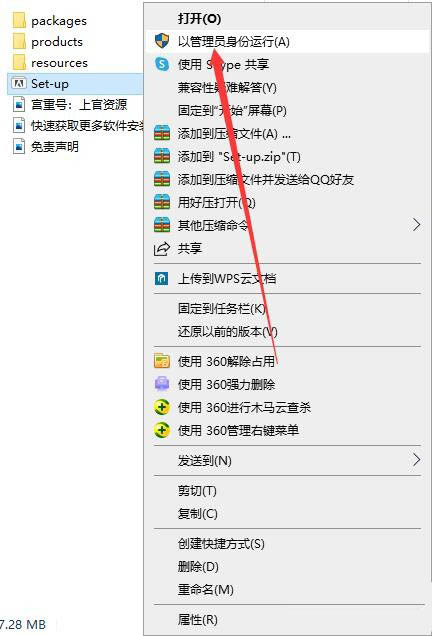
3. Find the [Set-up] executable file, right-click and select [Run as administrator]
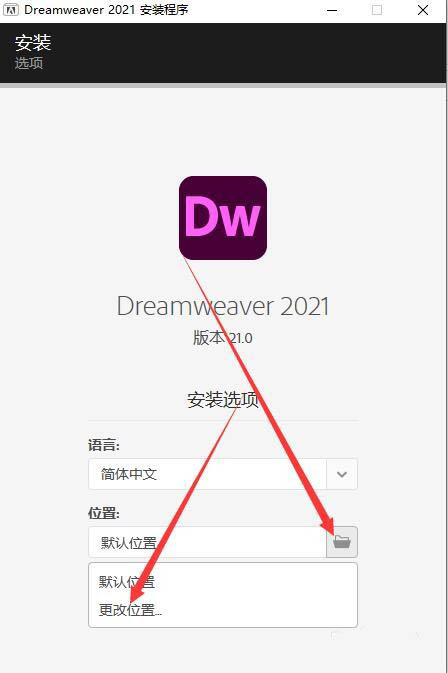
4. Change the installation location. The default is C drive. It is recommended to install to a disk other than C drive. Click the folder icon and select [Change location]
5. Select [New Folder], create a new [DW 2021] folder, and click [OK]
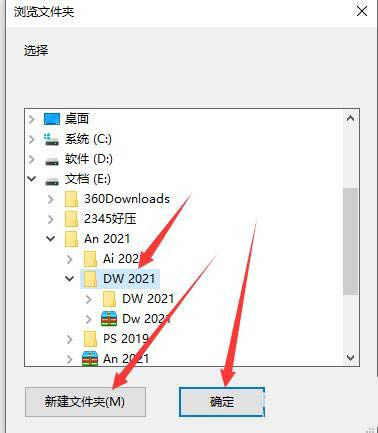
6. Click [Continue]
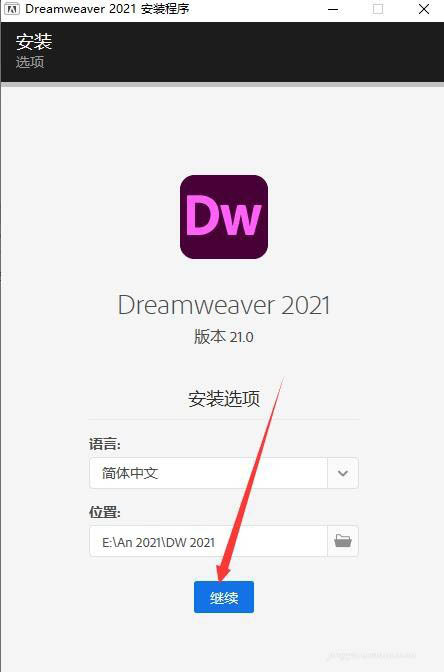
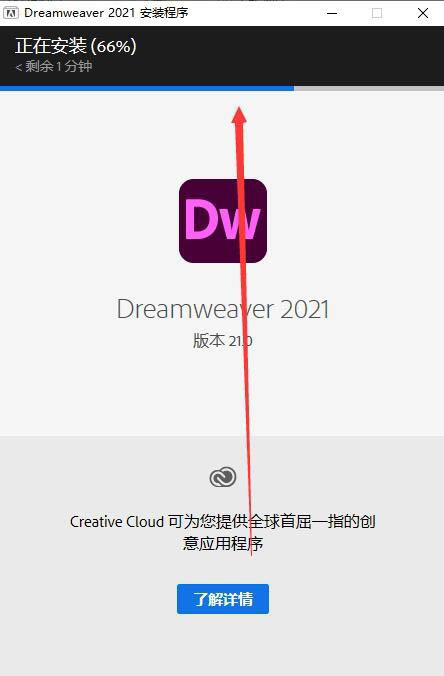
7. The software is being installed, just wait patiently.
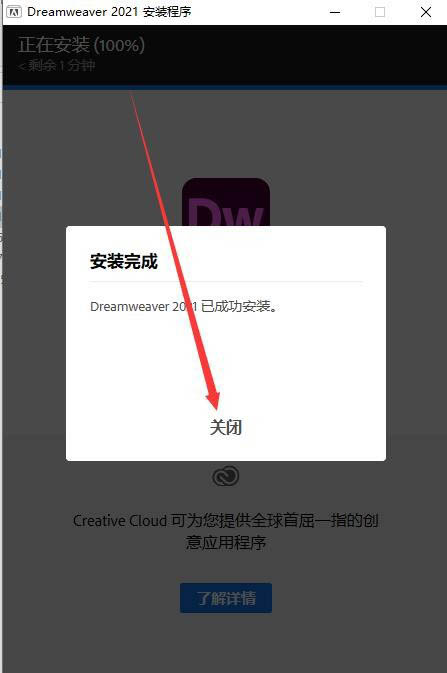
8. Dreamweaver2021 software installation is completed, click [Close]
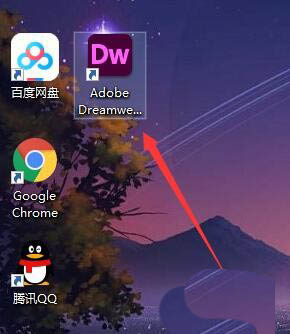
9. Return to the desktop, find the [AdobeDreamweaver2021] software icon, and double-click to open it
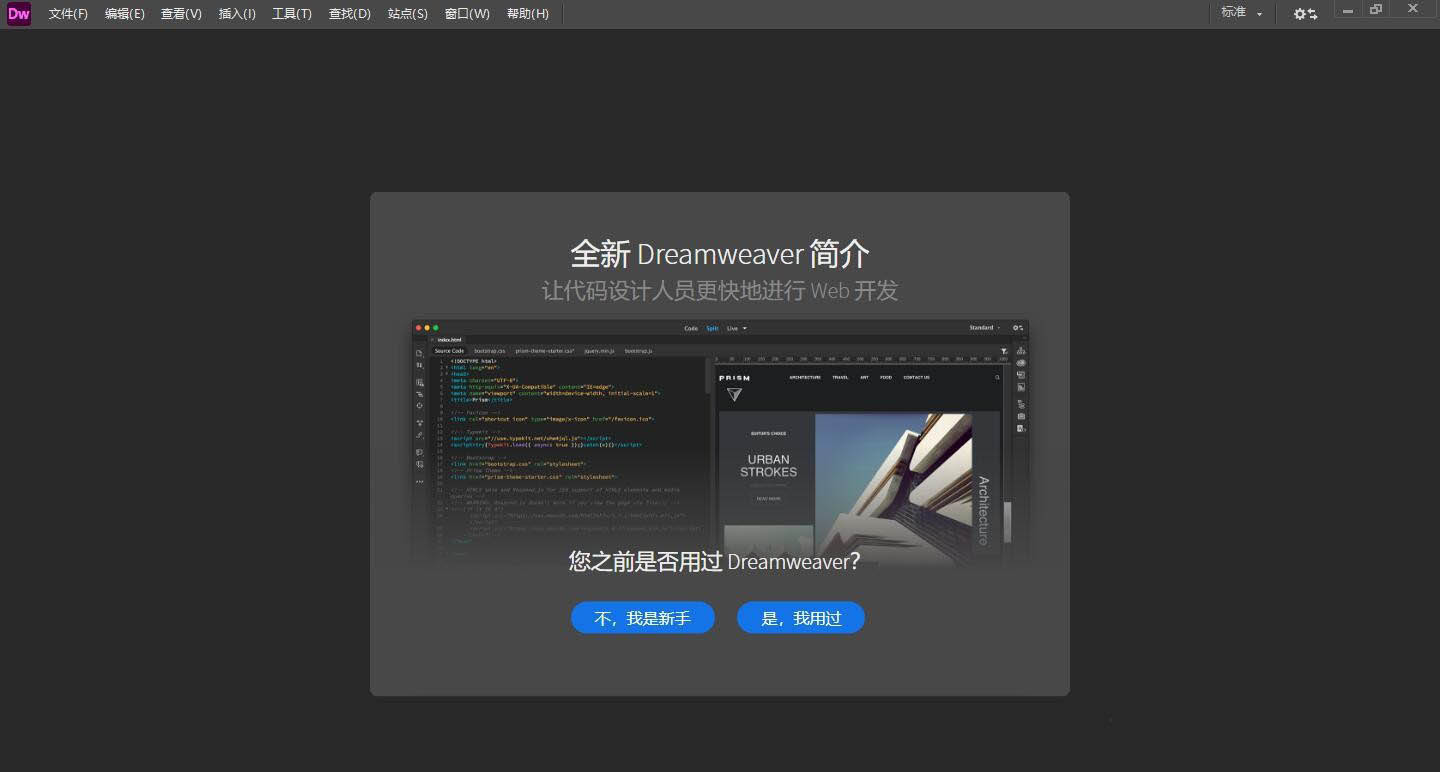
10. The software running interface is as follows
The above is the graphic tutorial for cracking and installing Dreamweaver 2021. I hope you like it, please continue to pay attention to downcodes.com.